
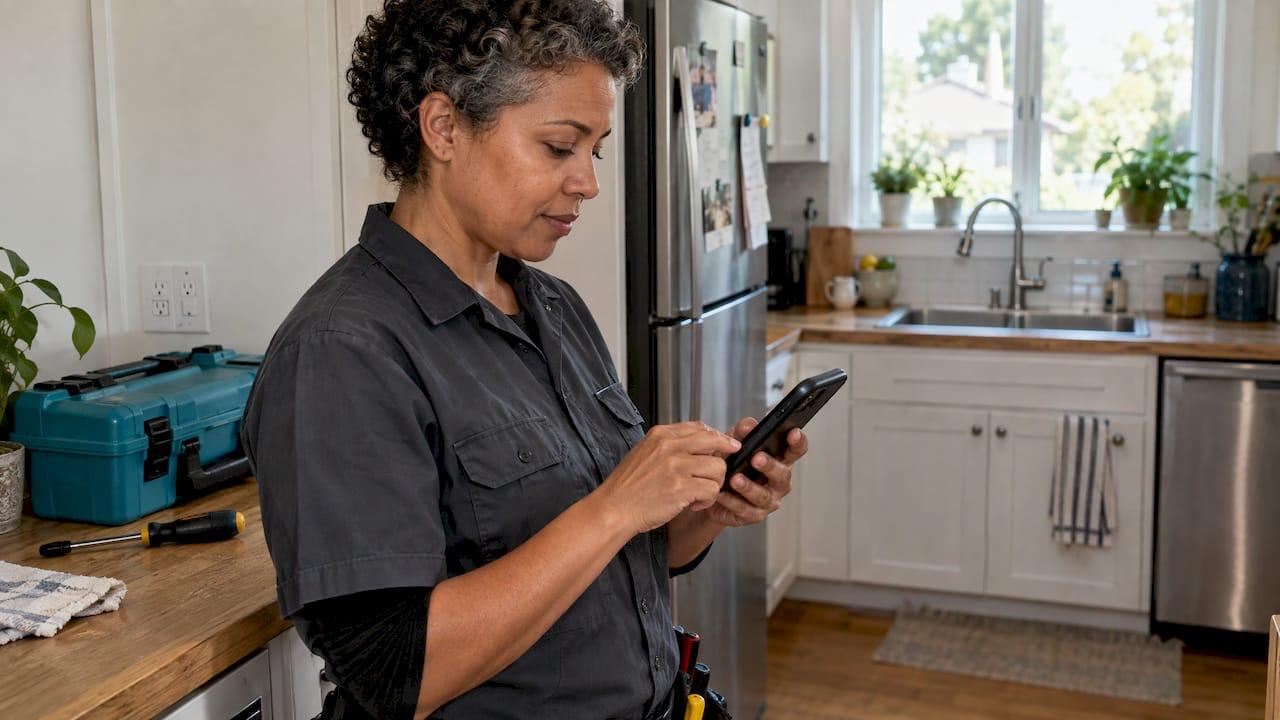
For most solo tradespeople, text beats email for asking for a Google review. A text lands on the phone your customer is already holding, and it takes one tap to open. Email is still useful as a backup, especially for bigger jobs where the customer wants a paper trail. Below, you'll see what the numbers say, what each channel costs, the rules you have to follow, and a simple plan you can run this week.
TL;DR
- Text (SMS) review requests got more reviews than email-only requests in a 2024 study: 20 per 100 requests versus 15 per 100.
- Using both channels did best in that same study, at 26 per 100. Few businesses do it.
- Email costs a fraction of a cent per send. Texts cost more, but a single review from a good job is worth far more than the cost of the message.
- Ask within hours of finishing the job, keep the message short, send the direct review link, and never offer a reward or pick only happy customers.
- Get consent, include a way to opt out, and follow Google's review rules.
Table of Contents
- Text vs. email: the short comparison
- What the evidence says
- What each channel costs
- When to use text, email, or both
- When to send it
- What to say: sample messages
- The rules you need to follow
- Make it automatic
- Our take
- Try it on your next job
- FAQ
- Sources
Text vs. email: the short comparison
Here is how the two channels stack up for a one-person trade business.
| Text (SMS) | ||
|---|---|---|
| Speed to be seen | Usually read within minutes | Can sit unread for a day or more |
| Fits the moment | Customer is often still home, phone in hand | Customer may check it later at a desk |
| Tap to review | One tap from the phone to the Google page | Extra steps if they open it on a computer |
| Cost per message | Higher, per segment | Very low |
| Space | Short, plain message | Room for a longer note, a logo, a receipt |
| Rules | Needs consent and an opt-out | Needs an opt-out and a real return address |
| Best for | Quick jobs: drain clears, outlet swaps, lawn visits, cleanings | Big projects, commercial clients, property managers |
Neither channel is magic. The right message at the right time matters more than the channel. But if you only want to pick one, pick text.
What the evidence says
Here's the best data we found, and what each piece does and does not tell you.
Reviews per 100 requests. A September 2024 GatherUp study reported by Search Engine Journal found that email-only requests produced 15 reviews per 100 requests. SMS-only produced 20 per 100. A mix of SMS and email produced 26 per 100. The same report says only 6% of the businesses surveyed use both channels, and 48% of customers prefer a text invitation.

So text wins on its own, and the combo wins overall. That second finding is the useful one for you. A text first, then a gentle email or a second text later, picks up people who missed the first message.
A word on "open rate" claims. You'll see big numbers online, like text messages being opened 98% of the time. Those numbers usually come from companies that sell texting tools, and they measure opens, not reviews. An open is not a review. The reviews-per-100 figure above is closer to what you care about, because it counts the thing you want: a review posted.
The takeaway: text gets more people to act, and using both gets the most. You do not need a perfect statistic to see why. Your customer's phone is in their pocket. Their inbox is full of coupons and receipts.
What each channel costs
Cost is where email wins. But the gap matters less than it looks.
One company that tracks messaging prices, MessageIQ, reports US text messages at roughly $0.01 to $0.05 each, and email at roughly $0.001 to $0.005 per send. Those are broad ranges, not a quote from any one provider.
There are a few catches on the text side:
- Long messages cost more. Texts are billed in segments, and a message over 160 characters can count as more than one. Keep yours short.
- Business texting in the US can carry extra fees, like number registration and carrier charges, on top of the per-message price, according to Noctilucens.
- Some review tools charge a lot per month. Many are built for companies with big teams. That's too much if you're a one-truck operation.
Here's the math that matters. Say a text costs you a nickel at the high end. If you send three texts to one customer, that's 15 cents. One new five-star review on a plumbing or HVAC listing can help you win jobs worth hundreds of dollars. The text cost is small next to that.
The bigger cost is your time. If you have to remember to send each request by hand, you'll skip some. That's where the real money leaks out.
When to use text, email, or both
Use this as a rule of thumb. It's our view from working with solo trades, not a law.
Use text when
- The job is done and the customer is still home or nearby.
- It was a quick, one-visit job: a faucet swap, a breaker replacement, a lawn cleanup, a deep clean.
- You mostly deal with homeowners who answer texts faster than email.
- You already quoted or invoiced by text, so they know your number.
For a handyman who finishes a gutter repair at 2 p.m., a text at 4 p.m. fits. The customer remembers the work, and the ladder is still in their yard.
Use email when
- The customer gave you an email but not a cell number, or told you they prefer email.
- The work was a bigger project billed over days or weeks, like a bathroom remodel or a panel upgrade.
- You work for property managers or landlords who handle things from a desk.
- You want to send a receipt along with the review link.
Use both when
- The first text got no response after a day or two. A short email can catch them at their desk.
- The job was high value and a review would really help you, like a full HVAC system install.
- You want to cover customers who read email more than texts.
The research above points the same way: the combo got the most reviews. Just don't flood anyone. Two or three polite touches over about a week is plenty. Then stop.
We've written more about how to pace this in our three-touch review flow for service area businesses.
When to send it
Send the request soon after the job is done, while the customer still feels the relief of a fixed problem. For us, the sweet spot is within a few hours. Our guide on asking within four hours explains why this helps with your local search standing too.
A few timing examples:
- Plumber, same-day repair: text that evening.
- Cleaner, recurring client: text after the first clean, not every single visit.
- Landscaper: text after the crew leaves and the yard looks its best.
- Electrician, rough-in and final inspection: wait for the final sign-off, then ask.
Avoid asking while you're still at the house. Google's rules warn against pressuring customers to leave a review on the premises. Leave first, then send the message.
What to say: sample messages
Keep it short, plain, and personal. Use the customer's first name and your business name. Include the direct link to your Google review page, so it takes one tap.
A text that works
Hi Maria, this is Dave from Dave's Plumbing. Thanks for having me out today. If you have a minute, a Google review would really help my small business: [link]. Reply STOP to opt out.
That's about 190 characters with a link, so it may use more than one segment. Trim the first line if you want it to fit in one.
A follow-up text, a few days later
Hi Maria, Dave again. If the repair is holding up, I'd appreciate a quick review here: [link]. Thanks! Reply STOP to opt out.
An email version
Subject: How did the repair go?
Hi Maria, thanks again for choosing Dave's Plumbing. If you were happy with the work, would you share a quick Google review? It takes about a minute: [link]. Your feedback helps neighbors find a plumber they can trust. If you'd rather not get emails from me, reply and I'll take you off the list.
Notice what's missing: no discount, no gift card, no "please leave five stars." Those cross the line, as the next section explains.
The rules you need to follow
This part keeps your business safe. It is general information, not legal advice. For questions about your own situation, talk to an attorney who handles advertising or consumer protection law.
Email rules
The federal CAN-SPAM Act says commercial email must include a working return address or other opt-out method. That opt-out must stay able to receive requests for at least 30 days after you send the message. Once someone opts out, you must stop sending within 10 business days. In plain terms: include an easy way to say no, and honor it fast.
Text rules
Texts that count as marketing generally need the customer's permission, and every message should tell them how to stop. A good habit is to get a yes at the time of the job, such as on your quote or invoice, and to honor a STOP reply right away. We cover the details in our guide to whether SMS review requests are legal.
Google's review rules
Asking for reviews is allowed. How you ask is what counts. According to a summary of Google's policy, you should not:
- Offer money, discounts, or free work in exchange for a review.
- Gate reviews, meaning you only ask happy customers or steer unhappy ones away.
- Pressure customers to review while they're on the premises.
- Ask for specific wording in the review.
The same summary notes that as of April 2026, Google also bans staff review quotas and asking customers to name a specific employee. Send the same request to every customer, and let them say what they want.
Want the full picture? Read our pieces on Google's review policy for solo trades and review gating rules.
Make it automatic
The best channel is the one you actually use after every job. Most solo operators finish a job, drive to the next one, and forget. Two weeks later the moment is gone.
Set up a simple routine:
- Collect a cell number and an email on every quote. Ask for permission to text.
- Finish the job and send the invoice with a pay link.
- Send the first review request the same day.
- Send one reminder a few days later if there's no review.
- Stop after the last touch. Don't keep chasing.
- Reply to every review, good or bad, within a day or two. Our Google Business Profile reviews guide shows how.
You can do this by hand with a notes app and a calendar. It works for a while. When you get busy, automation keeps it going. Some software built for home-service pros also handles automated review requests as part of lead response and follow-up, so look at what fits the size of your business.
For more on getting reviews without nagging, see how to get more Google reviews without chasing customers and our look at SMS review request click rates.
Our take
We built Quotewren for one kind of person: the solo operator who does the work, sends the quote, sends the invoice, and then has no time left to ask for the review.
That's why our review requests go out by text. A text is the fastest way to reach a customer right after the job, and it takes one tap for them to get to your Google page. Our three-touch review request engine runs after the job is complete, so you don't have to remember. It's built into every paid plan.
We keep it plain on purpose. Quote, invoice, review request. No crew scheduling, no dispatch boards, no features for fleets you don't have. Flat monthly pricing means you know the bill before the month starts.
Our view: reviews are what turn a good tradesperson into the one people call first. The tool should get out of your way and make sure you ask every time.
jaras
Try it on your next job
Quotewren turns a finished job into a branded quote, then an invoice with a pay link, then an automated three-touch review request by text. Start on the Free plan at $0. The Quotewren plan is $19 per month, and Quotewren Crew is $39 per month.
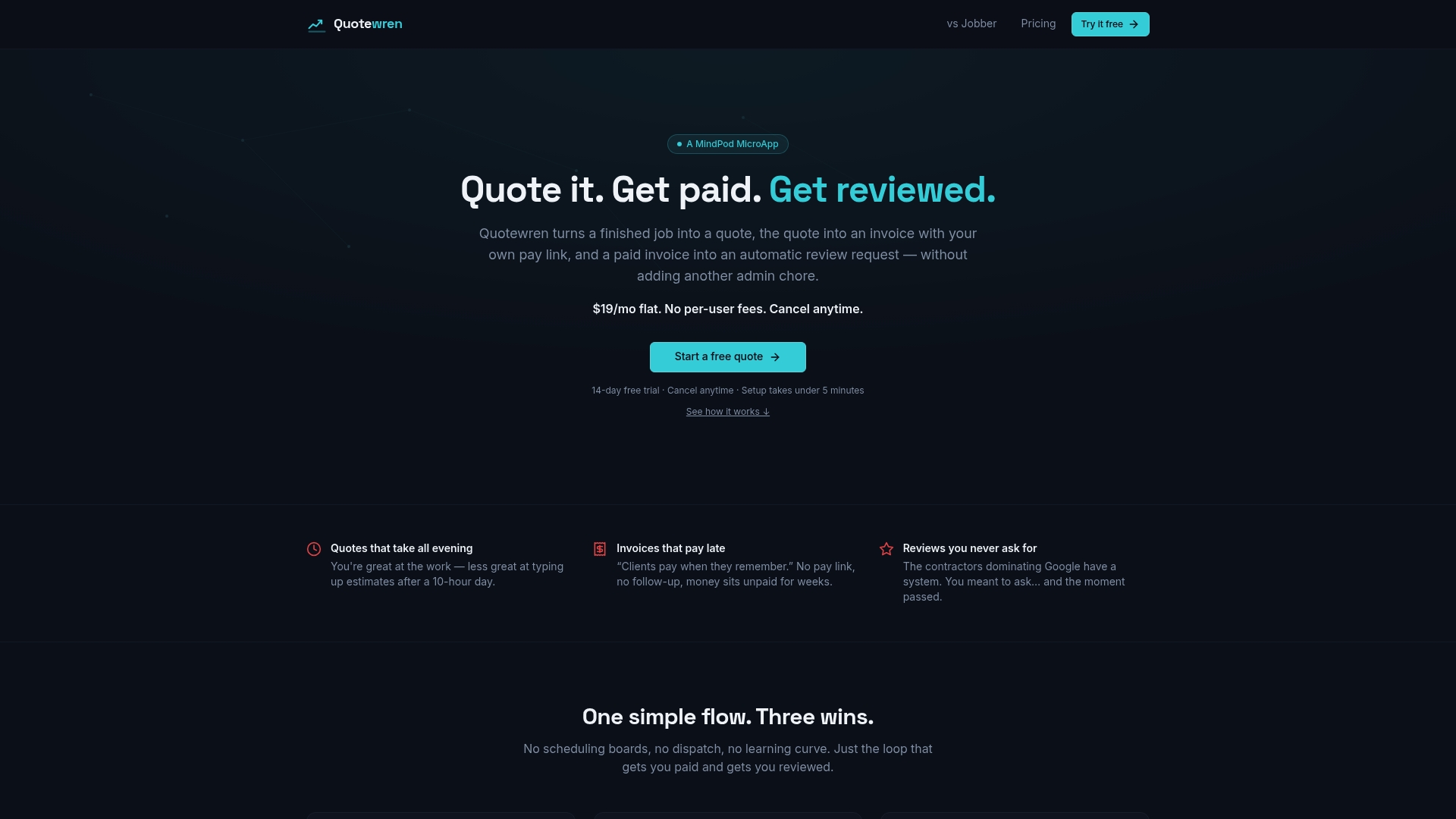
If you're tired of finishing a job and forgetting to ask, start with Quotewren and let the next customer's review request go out on its own.
FAQ
Is text or email better for Google review requests?
For most trades, text is better. In a 2024 study, SMS-only requests got 20 reviews per 100 sent, versus 15 per 100 for email-only. Using both channels got 26 per 100, so a text first and an email follow-up is a strong setup.
How soon after a job should I ask for a review?
Within a few hours is best, once you've left the property. The customer still remembers the work, and the problem is fresh in their mind. Send one or two gentle reminders over about a week, then stop.
Can I offer a discount for a review?
No. Google's policy prohibits giving payment, discounts, or free goods or services in exchange for a review. Thank customers after the fact, but don't tie any reward to the review itself.
Do I need permission to text customers for reviews?
Yes, get the customer's okay before you text, and include a way to opt out like replying STOP. A simple way to do it is to ask on your quote or invoice. If you have questions about your own business, check with an attorney.
Should I only ask happy customers?
No. Picking who gets the request based on how you think they feel is called review gating, and Google's policy prohibits it. Send the same request to every customer, and reply honestly to any bad review.
Sources
- New study on review requests, Search Engine Journal
- Cost of SMS marketing vs. email, MessageIQ
- How much does SMS marketing cost, Noctilucens
- CAN-SPAM Act, govinfo.gov
- How to ask customers for reviews by text, Mobile Giant