

If you want to text a customer a quote, an invoice, or a review request, you need their permission first. How much permission depends on the kind of text. A reply to a question the customer just sent is the easiest. A text that promotes your business needs the most: clear, written consent that you can find later. This guide shows what each kind of text needs, what to say when you ask, how to keep a record, and what to do when someone writes STOP.
This is plain-language guidance for solo plumbers, electricians, HVAC techs, handymen, landscapers, and cleaners. It is not legal advice. If you run bigger campaigns or have been sent a demand letter, talk to a lawyer who handles telephone and text rules.
TL;DR
- Texting a customer from software counts as a call under federal rules, so you need their consent before you send. A phone number alone is not enough for marketing texts.
- Replies to a customer's own message need no extra permission. Appointment reminders and job updates need consent for that purpose. Promotional texts need written consent.
- Say who you are, what you will send, how often, that rates may apply, and how to stop. Put it where the customer agrees, not buried in fine print.
- Keep a record: who agreed, when, how, and to what wording. Honor STOP right away.
- Never make a text opt-in a condition of getting the work done.
Table of Contents
- What "opt-in" means for a contractor
- The three kinds of texts and what each needs
- What a valid consent includes
- Five ways to collect consent on a real job
- A consent script you can copy
- Keep a consent record
- Handle STOP the right way
- Review requests: where this matters most
- Examples by trade
- What we think
- Put it to work with Quotewren
- A quick checklist before you hit send
- FAQ
- Sources
What "opt-in" means for a contractor
An SMS opt-in is permission to send someone text messages. It is not a legal trick. It is the customer saying, "Yes, text me about this."
The federal rule behind it is the Telephone Consumer Protection Act (TCPA). The FCC says texts are calls under the TCPA, and that sending them from an internet-to-phone service needs the consumer's consent. The FCC's consumer guide adds that autodialed texts to mobile phones are banned unless the owner gave prior consent or it is an emergency. Those rules apply even when the number is not on the National Do Not Call Registry.
In practice, that means a text sent by software, including a quote, an invoice link, or a review request, should have the customer's permission behind it. Texting one customer by hand from your own phone is a different situation from using software that sends in bulk or on a schedule. Because automated tools can fall under the autodialer rules, the safe habit is to get consent every time.
The three kinds of texts and what each needs
Carriers and industry groups sort texts into three buckets. The names are a little formal, but the idea is simple.
| Type | Trade example | What you need |
|---|---|---|
| Conversational | Customer texts "Can you come Thursday?" and you answer | The customer started the chat. No extra permission for a relevant reply |
| Informational | "Your tech arrives between 1 and 3 p.m." or "Your invoice is ready" | Express consent for that purpose. It can be spoken or written |
| Promotional | "Spring tune-up special, $20 off" or a message that sells your services | Express written consent |
The industry group CTIA says appointment reminders and alerts are informational and need express consent for that specific purpose. The FCC explains that consent for informational autodialed messages may be oral or written, but telemarketing consent must be written.
Twilio, a messaging platform, notes that transactional texts usually come from something the customer did, so they do not need a separate double opt-in text. Even so, you should tell the customer their number will be used for those job messages.
Where quotes, invoices, and review requests land
Let's sort the texts a solo trade actually sends.
- Quote sent after a customer asked for one. The customer reached out, so this is closely tied to their request. Still, tell them you will text the quote.
- Invoice and pay link. This is informational. The customer hired you, and the text is about that job. Get a clear yes to text the invoice.
- Appointment and arrival texts. Informational. Consent for that purpose covers them.
- Review request. This is the gray one. You are asking for something that helps your business. Many businesses treat it as promotional to be safe. Our advice: get written consent that names review requests, and do not wait for a lawyer to tell you it was a problem.
- Seasonal offers, price lists, "book your furnace check" blasts. Promotional. Written consent, no exceptions.
Never slip a promotion into a job update. A text that starts as "Your invoice is ready" and ends with "Book our fall special" can turn into a promotional message, and then the consent has to be written.
What a valid consent includes
Consent that holds up is clear, specific, and easy to prove. Here is what to include when you ask.
- Who is texting. Your business name. Not "our partners."
- What you will send. Quotes, invoices, appointment updates, review requests, offers. List them.
- How often. "Up to 3 messages per job" or "messaging frequency may vary."
- Costs. "Message and data rates may apply."
- How to stop and get help. Reply STOP to opt out, HELP for help.
- Links to your privacy policy and terms, if you have them.
RingCentral's consent guide lists these same elements: sender, message types, frequency, rates, help and opt-out instructions, and policy links. Klaviyo adds that marketing consent should mention recurring messages, the number provided, possible autodialer use, and that consent is not a condition of purchase.
One business at a time
Consent belongs to you. The FCC adopted a rule that written consent for robocalls and robotexts must be given one seller at a time. The FCC announced it was closing the lead generator loophole in December 2023. If you buy leads from a website, do not assume the form gave you permission to text. Ask where the consent came from, what the form said, and whether it named your company.
Dialpad's guidance says consent applies only to the specific sender and campaign it was collected for and should not be passed along. If you sell your business or subcontract jobs, do not hand over your texting list.
Keep it optional
Do not tie text consent to getting the job done. A customer who says no to texts should still get the quote by email or on paper. Klaviyo says SMS consent must be optional, not a condition of purchase, and that the disclosure should sit above the checkbox or button so the customer reads it before agreeing. Collect it separately from any email consent.
Five ways to collect consent on a real job
CTIA describes express consent as permission given by text, form, website, verbally, or in writing, and says express written consent can come from a signed form or an online checkbox. Here is how that looks in a truck-and-phone business.
1. The customer texts you first
A homeowner texts "Water heater is leaking, can you come today?" That inbound message lets you reply on that topic. It does not give you the right to send offers later. Reply with the job details, then ask for consent for the rest.
2. A line on your estimate or work order
This is the easiest for most trades. Add a checkbox and a short statement above the signature line. The customer ticks it and signs. That is written consent, and the paper or PDF is your record.
3. An online booking or quote request form
If you have a web form, add an unchecked box with the disclosure right above it. An unchecked box matters: the customer should take the action, not have it done for them. Save the form entry with a time stamp.
4. Spoken consent on the phone or at the door
For job-related texts, oral consent can work. The problem is proof. Say it, then write it down the same day: name, number, date, and what they agreed to. Better yet, follow up with a confirmation text so there is a message trail.
5. Double opt-in
You collect the number, send a text asking the customer to reply YES, and record the reply. Twilio describes this as sending a request to reply YES and recording the response before promotional messages. It takes one extra step and gives you the strongest record. It is a good fit for review requests and seasonal offers.
RingCentral's carrier-registration checklist boils the method down: collect consent, log it, and include opt-out language.
A consent script you can copy

Here are two versions. Change the names and the list of message types to fit your business.
Short script, for estimates and invoices (written or spoken):
"I agree to receive text messages from [Your Business Name] about my job, including quotes, invoices, appointment updates, and a request for a review. Message frequency varies. Message and data rates may apply. Reply STOP to opt out or HELP for help. Agreeing is not required to hire us."
Fuller script, for a web form or signed paper form:
"I consent to receive [quotes, invoices, appointment reminders, review requests, and occasional offers] by text from [Your Business Name] at the number I provided, including messages sent with automated technology. Consent is not a condition of any purchase. Reply STOP to opt out; reply HELP for support. Message and data rates may apply. Messaging frequency may vary. See our Privacy Policy at [link] and Terms at [link]."
This follows the pattern in RingCentral's example language, plus the disclosures Klaviyo recommends. Twilio's compliance guide says to use a clear call to action that tells people exactly what they are signing up for. Plain beats clever.
What to say out loud at the door:
"Do you mind if I text you the quote and the invoice? I'll also send one short note afterward asking how we did. You can reply STOP anytime."
Then write it down.
Keep a consent record
If a customer says they never agreed, you want an answer in two minutes. For each customer, save:
- Name and mobile number
- Date and time of consent
- How it was given (signed estimate, web form, spoken, text reply)
- The exact wording they saw or heard
- The types of messages they agreed to
- Any STOP or opt-out, with the date
A spreadsheet works. So does a folder of signed estimates with a notes column. Keeping a dated electronic consent trail is a habit other small businesses use too, for example with paperless consent for employers who have to prove an employee agreed to something. The rule of thumb is the same: if you cannot show it, it did not happen.
Handle STOP the right way
When someone writes STOP, you stop. Twilio's guide says to acknowledge and act on every opt-out request. The FCC's 2024 order clarifies that a customer can revoke consent in any reasonable manner. So "stop texting me," "unsubscribe," and "please don't text anymore" all count. They do not need to use your magic word.
Here is a simple routine:
- Mark the number as opted out the moment you see the request.
- Send one confirmation: "You're unsubscribed from [Your Business Name] texts. No more messages from us."
- Cancel any scheduled texts, including invoice reminders and review follow-ups.
- Keep the record of the opt-out.
- If the customer still has an open job, contact them by phone or email, and say so in the notes.
A customer who opts out of review requests may still want invoice texts, and the reverse. If your wording covered both and they said STOP, treat it as everything unless they tell you otherwise.
Review requests: where this matters most
Review requests are the text most trades send on autopilot, so they deserve a closer look. The ask comes right after the job, the customer has your number, and the message often goes out in a sequence of follow-ups. A sequence is exactly where consent has to be clear: the customer should have agreed to more than one message.
Some habits that keep you on the right side:
- Put "review request" in the list of messages on your estimate or work order.
- Keep the number of follow-ups small and say so in the consent. "Up to three messages" is better than "messages may vary" if that is what you send.
- Identify your business in the first message. Dialpad recommends that each message name the sender, except follow-ups inside an ongoing conversation.
- Ask every customer, not only the happy ones. Skipping unhappy customers is called review gating and can bring penalties, which we cover in our guide to review gating rules.
- Give them a one-tap link to your Google profile. Our post on SMS review requests covers timing and wording.
The same goes for money texts. If you plan to send invoices by text or use pay links, as described in our text to pay guide, get the yes before the first one goes out. The same applies to quotes sent by SMS.
Examples by trade
Plumber. A customer calls about a clogged drain. You say, "Can I text you the quote and a pay link when we finish?" They say yes. You write it on the work order and add a checkbox for a review request. Quote, invoice, and review request are covered. A coupon for water heater flushing next spring is not, unless they ticked the offers box.
Electrician. A homeowner fills out your web form for a panel upgrade quote. The form has an unchecked box: "Text me about my quote, invoice, and a review request. Msg and data rates may apply. Reply STOP to opt out." No tick, no texts, and you send the quote by email.
HVAC tech. A maintenance customer signs a seasonal tune-up agreement. The agreement includes written consent for reminders and offers. Reminders are informational, and the offers are covered because the consent is written and names them. If they text STOP in October, the April reminder is cancelled.
Handyman. A neighbor texts you first about a loose railing. You can reply about the railing. Before you send a review request, ask: "Mind if I text you a quick review link after?" A yes in the text thread is a record of consent. Screenshot it into the job notes.
Landscaper. You have 60 weekly mowing clients and want to text them an aeration offer. Check the list. Who agreed to offers in writing? Only text those people. For the rest, ask using a double opt-in text or the next time you see them.
Cleaner. A new client books online. The booking page includes a consent checkbox with disclosure above it. You send arrival times, the invoice, and one review request. Weekly promotions to this client need the offers box ticked.
What we think
We built Quotewren for people who work alone, and we see the same pattern all the time: the job gets done, the invoice goes out late, and the review request never happens. Texting fixes much of that, because customers read texts. But texting only works when customers trust you. A text from someone they agreed to hear from feels helpful. A text from a stranger feels like spam.
So our view is simple. Ask first, ask plainly, and ask on the estimate, when the customer is already saying yes to the job. Write down what they agreed to. Treat STOP as a favor, not an insult, because a customer who opts out cleanly will often still hire you again. And keep the number of texts low. A quote, an invoice, and a short review follow-up is a respectful routine.
We are not lawyers and these rules can change, so check the FCC's page and talk to a professional if your situation is complicated.
— jaras
Put it to work with Quotewren
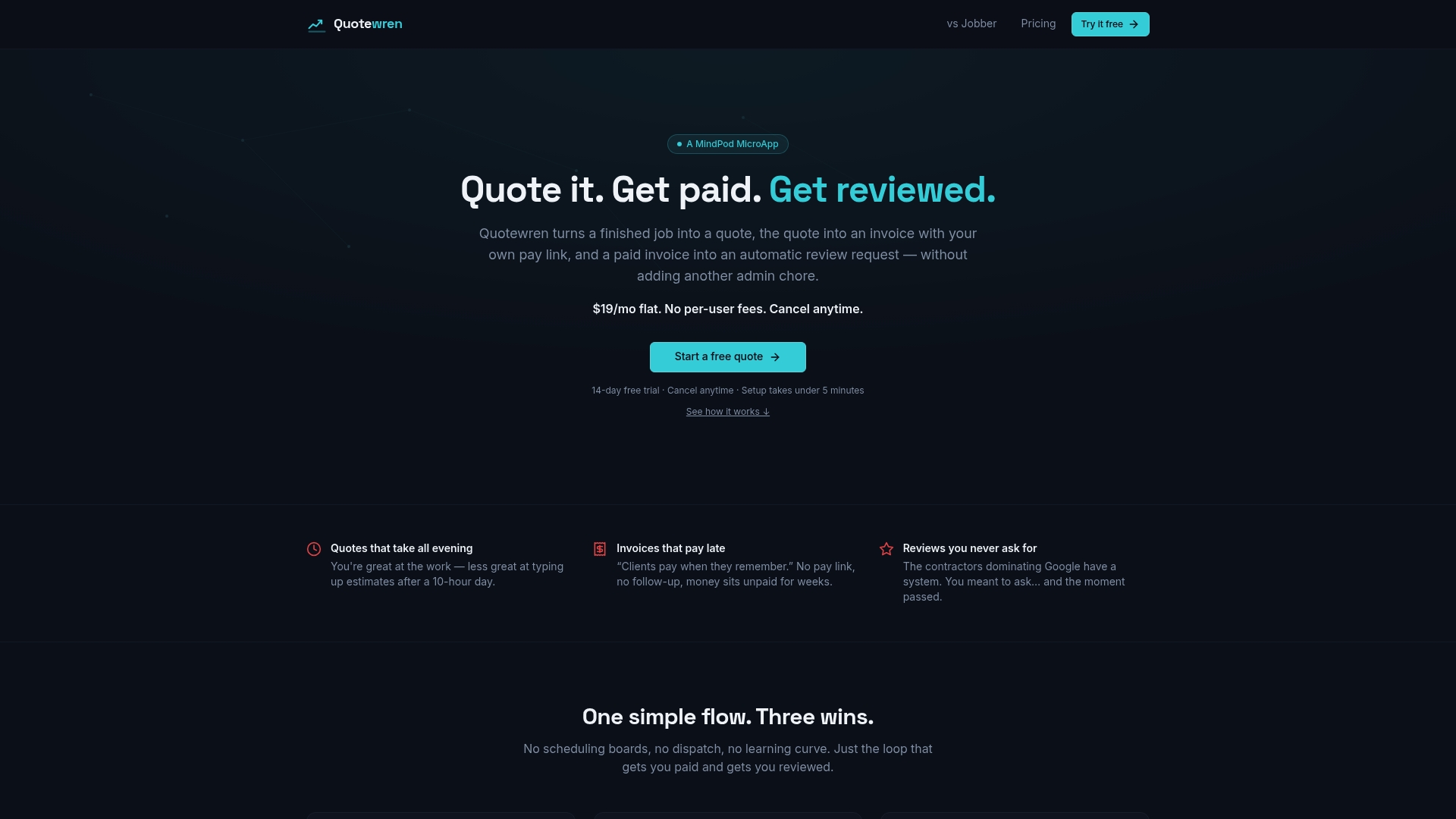
If you want one tool for quotes, invoices with pay links, and automated review requests, Quotewren was built for solo trades. You can start on the Free plan at $0. The Quotewren plan is $19 per month, and Quotewren Crew is $39 per month. Review requests are built into every paid plan. Add your consent line to your estimate first, then let the follow-ups run.
Start with your own wording from the scripts above. The tool sends the messages, but you are still the one who collects and records the customer's yes.
A quick checklist before you hit send
- Did the customer agree to texts, and do I have proof?
- Does my wording name every type of message I send, including review requests?
- Did they see the business name, frequency, rates, and STOP instructions before agreeing?
- Is the checkbox unchecked by default, and is agreeing optional?
- Did I get the consent myself, rather than assume a lead form covered me?
- Is my opt-out list current, and are scheduled texts cancelled for anyone on it?
If you can answer yes to all six, you are ahead of most small shops.
FAQ
Do I need consent to text a customer a quote or invoice?
Yes, get it. These are informational texts tied to a job, so consent can be spoken or written, but written is easier to prove. Say you will text the quote and invoice, and note the yes on the work order.
Is a customer's phone number on my estimate form enough?
No. A phone number alone does not count as marketing consent, according to Klaviyo's guidance. Handing you a number so you can call about a job is not the same as agreeing to promotional texts. Add a clear checkbox or statement.
Can a customer take back consent?
Yes, at any time and in any reasonable way. The FCC's 2024 order says revocation can be made in any reasonable manner. Treat "stop," "no more texts," and "unsubscribe" the same as STOP.
Does the Do Not Call list change any of this?
Not for these rules. The FCC says the robotext rules apply even when a number is not on the National Do Not Call Registry. Consent is about your relationship with that customer, not the registry.
What happens if I text without consent?
You risk complaints, carrier blocking, and legal claims under the TCPA. Cost and outcome depend on the facts, so ask a telecom or consumer-protection attorney if you have received a complaint or demand letter. The better move is to get consent before the first text.
Sources
- FCC: Stop Unwanted Robocalls and Texts
- FCC 2015 declaratory ruling on the TCPA
- FCC 2024 order on consent revocation
- FCC: Closes lead generator loophole
- Federal Register: Targeting and Eliminating Unlawful Text Messages
- CTIA Messaging Principles and Best Practices
- RingCentral: SMS consent requirements and examples
- RingCentral: TCR registration checklist
- Klaviyo: Understanding SMS consent collection
- Klaviyo: Understanding US SMS compliance laws
- Twilio: Opt-in and opt-out text messages
- Twilio: Guide to U.S. SMS compliance
- Dialpad: SMS Messaging Compliance
- Paperless consent for employers