
If you're hit by a review spam attack, do not pay or engage. Flag the reviews right away, save full evidence, and file Google's extortion report if anyone demands money. Then start asking your real customers for honest reviews so your rating can recover. Each step is straightforward, and you can work through the list between jobs.
TL;DR:
- Capture uncropped screenshots showing the review text, reviewer names, and dates, and save direct links before flagging posts because removed reviews cannot be documented afterward.
- Google allows a single appeal after an initial report, while money demands require its separate Merchant Extortion Report Form with written proof and a timeline.
- If reviews remain online, share one organized Drive folder with screenshots, review links, demand messages, and a timeline, then request a manual review.
- Send every happy customer an honest review request after the job; rebuilding takes time, so keep requests steady rather than expecting an immediate rating fix.
- A demand for money to remove reviews may be criminal extortion, so contact local law enforcement and consider legal advice if threats continue.
Table of Contents
- What should you do in the first few hours?
- How do you report fake reviews and extortion to Google?
- What evidence should you collect, and how do you package it?
- How do you escalate to a real person and follow up?
- What do regulators say about fake reviews?
- How do you rebuild your rating and stop a repeat?
- A note from one small shop to another
- How can you rebuild reviews on autopilot after a spam attack?
- FAQ
- Sources
What should you do in the first few hours?
Speed matters, but order matters more. Work through this list before you touch anything else.
- Do not answer any demand for money, and do not offer a refund, a free service, or a discount to make someone go away.
- Take full-screen, uncropped screenshots that show the review text, the reviewer's name, and the date.
- Copy a direct link to every suspicious review from Google Maps or your Business Profile.
- Flag each review from your profile and pick the closest reason, such as spam or conflict of interest.
- Write down the exact time the reviews showed up and the exact time any threat or demand arrived.
Say a plumber wakes up to a burst of bad reviews from people who never booked a job. Working through the steps in order leaves a clean record.
Pro Tip: Screenshot first, flag second. Once a review is removed, you can't capture it anymore.
How do you report fake reviews and extortion to Google?
For a standard fake review, use the Report option from your Google Business Profile and choose a reason such as "Spam" or "Conflict of interest." Google's automated systems try to remove fake content on their own. If a review stays up, you get a one-time appeal after your first report, so make that first report count.

If someone demanded money to take reviews down or to stop posting them, that's extortion, and it goes through a different door. Google offers a Merchant Extortion Report Form that is separate from the normal report tool. It asks for written proof of the demand, like emails or chat messages from apps such as WhatsApp or Telegram.
When you fill out forms:
- Paste the direct link to every review you are reporting.
- Attach your screenshots and any messages from the person demanding money.
- Add a short timeline: when the reviews arrived and when the demand came.
- Keep the wording plain and factual, with no anger or guesses about who did it.
Our guide on removing fake reviews with a proof checklist covers the same process in more detail.
What evidence should you collect, and how do you package it?
A reviewer at Google or any other platform sees a lot of reports. Yours gets acted on faster when it's easy to read and hard to argue with. A Google Business Profile Community thread on escalating an extortion report recommends one consolidated Google Drive folder, and we agree it's the cleanest way to do this.
Put these items in it:
- Full-screen, uncropped screenshots showing timestamps, account names, and review text.
- A direct link to each suspicious review.
- Copies of every demand message, with the sender's number, email, or username visible.
- A simple timeline file listing when you saw each review and when the demands began.
- An index file that lists everything in the folder in one line each.
Name files so a stranger can follow them, like "review-01-screenshot" and "review-01-link." A handyman who does this once can reuse the same folder for every follow-up.
Pro Tip: Set the folder to "anyone with the link can view" before you send it, then open the link in a private window to confirm it works.
How do you escalate to a real person and follow up?
Google's automated systems catch plenty of fake content, but a coordinated wave can slip past them. When the reviews stay up after your first report, ask for a manual review and show clear evidence a human can check quickly. Merchants also post in the Business Profile Community, where real review attack stories show common patterns, including demands to pay for removal.
Here's a follow-up rhythm that works for a busy one-person shop:
- Report the reviews and submit the extortion form promptly, with your Drive link attached.
- Check the status later and reply to any request for more detail promptly.
- If there is no action, follow up through support, repeat your Drive link and the direct review URLs, and ask for a manual look.
- Keep every reply short: what happened, what you attached, and what you are asking them to do.
Don't flood support with emails. One clear message with a good folder beats a pile of angry ones.
What do regulators say about fake reviews?
The Federal Trade Commission announced a final rule banning fake reviews that bars creating, selling, or buying them and allows civil penalties against violators. That's good news for honest contractors, but you should keep realistic expectations.
- Regulators can deter bad actors, but enforcement is not a fast takedown tool. Your reports to Google still do the day-to-day work.
- The FTC says responses to reviews must avoid threats, intimidation, or false accusations. If you know a review is false, reply calmly with facts and skip personal attacks.
- Demanding money to remove reviews can be criminal extortion. If someone threatens you, call local law enforcement as well as filing the Google form.
- Think about talking to a lawyer if the demands keep coming, if you receive threats, or if the attacks trace back to a person you can identify.
This is general information, not legal advice. Our write-up on Google's review policy for solo trades explains what you can and can't do when you ask customers for reviews.
How do you rebuild your rating and stop a repeat?
Removal and rebuilding trust can take time. The best use of your time is building a steady stream of real reviews that outweigh the fake ones.
- Watch for spikes. Turn on notifications for your Business Profile and glance at new reviews each morning. Catching an attack early makes every step easier.
- Ask every happy customer. Send a clear, honest request by text right after the job, with a link straight to your review page. Our review flow and tips on getting more Google reviews show how to follow up without nagging.
- Reply calmly in public. Try something like: "We have no record of a job for this name. Please call us so we can look into it." No accusations, no threats.
- Lock things down. Use a strong password and two-step sign-in on your Google account, and limit who has access to your profile. Back up your evidence folder.
- Set the right expectation. Fixing a rating is a slow climb, not a one-day fix.
Our guide to Google Business Profile reviews for trades has more reply examples you can copy.
A note from one small shop to another
A run of fake 1-star reviews hurts in a very real way. Picture a local plumber who loses booked estimates because a new customer sees a low rating and moves on to the next name. That's money and sleep, and it isn't fair.
Fighting with the attacker won't bring those calls back. The owners who recover fastest do two boring things: they collect clean evidence, and they keep asking real customers for reviews every week. Put your energy there.
— jaras
How can you rebuild reviews on autopilot after a spam attack?
Asking for reviews is the part most contractors skip when the week gets busy, but SEO automation can help streamline sending requests and publishing follow-ups automatically. Quotewren can help you make review requests part of your follow-up, so customers have an easy way to share their experience.
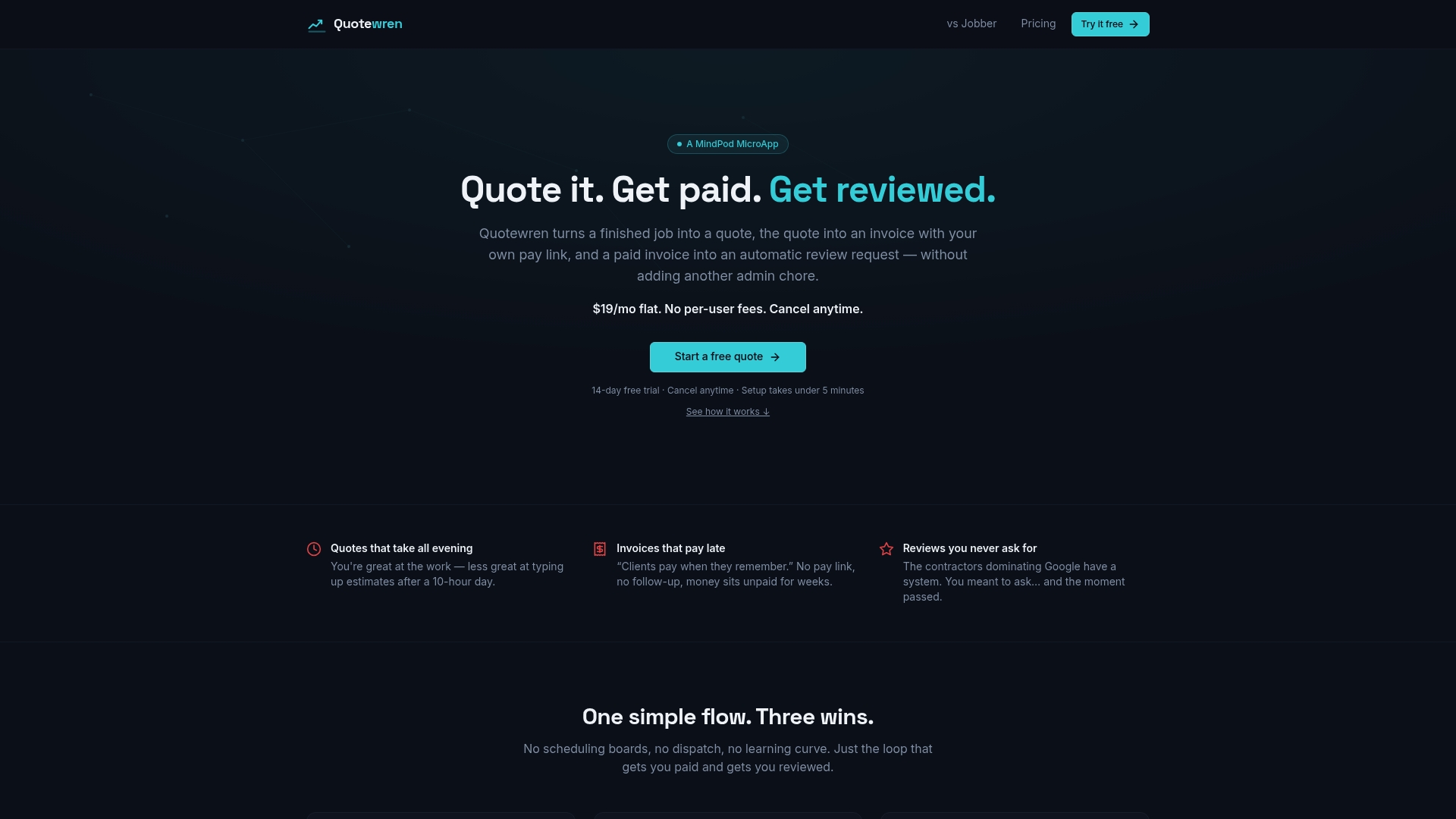
- Review-request automation is included in every paid plan.
- You send the quote, then the invoice, and the review request follows without extra work.
- You can start on the Free plan at Quotewren as part of your recovery.
FAQ
Is review bombing illegal?
Review bombing often breaks platform rules, and creating or selling fake reviews is banned under the FTC's final rule. A demand for money to remove reviews is serious. Consider contacting local law enforcement or a lawyer about your situation. Talk to a lawyer about your specific case.
How do I contact Google about spam reviews?
Start by flagging each review from your Business Profile and choosing a reason like spam or conflict of interest. If the reviews stay up, use your one-time appeal, then follow up with a Drive folder of evidence. For money demands, use Google's separate extortion report form.
How can I tell if a business or reviewer is real or fake?
Look for a sudden burst of reviews, first-time reviewers with no other history, near-identical wording, and complaints about jobs you never did. Check your records for a matching customer name and date. If none exists, flag the review and note that in your evidence file.
Can a tool check for fake Google reviews?
Google runs its own automated spam detection, but it can miss a coordinated wave. Your best check is a manual one: compare each review to your job records and document the mismatches. Then report with proof so a human can step in.
Sources
- Report negative review extortion scams on your Business Profile - Google Business Profile Help
- Federal Trade Commission Announces Final Rule Banning Fake Reviews and Testimonials | Federal Trade Commission