

If you go to your customers and they don't come to you, Google wants you to hide your street address. You still enter a real address when you sign up. Then you turn off the public display and list the cities or ZIP codes you serve. Plumbers, electricians, HVAC techs, handymen, landscapers and cleaners all fall in this group. Below is how to set it up, what Google accepts, and what to do if you also have a shop.
TL;DR
- If you travel to customers and have no storefront with permanent signage, Google tells you to hide your address.
- You still need a real address to register. P.O. boxes, mailboxes and virtual offices you don't work from are not accepted.
- You can list up to 20 cities, ZIP codes or regions. You can't draw a radius.
- Your hidden address still affects where you show up on the map, so use the one you actually work from.
- Reviews help you stand out, whether or not your address shows.
Table of Contents
- What counts as a service area business
- Which address does Google want?
- How to hide your address on Google Business Profile
- How to set your service area
- Your hidden address still matters for ranking
- When you can show your address
- Getting verified without a public address
- Make the profile work while your address is hidden
- Keep your address consistent everywhere
- Our perspective: a tidy paper trail helps a hidden address work
- Put your quotes, invoices and reviews on one track
- Common mistakes with service area addresses
- A simple setup plan for this week
- FAQ
- Sources
What counts as a service area business
A service area business (SAB) goes to the customer. You show up at a house, a job site or a business, do the work and leave. A customer doesn't walk into your garage to get a toilet fixed.
Google's rules say a business without a customer-facing storefront should hide its address. If you do have a storefront, it needs permanent signage and staff during business hours.
Here is how that sorts out for common trades:
| Business | Typical setup |
|---|---|
| Plumber working out of a home office and a van | Service area business, address hidden |
| Electrician with a rented warehouse nobody visits | Service area business, address hidden |
| Landscaper who stores gear in a yard | Service area business, address hidden |
| Cleaner who books online and drives to homes | Service area business, address hidden |
| HVAC company with a showroom, signage and posted hours | Hybrid, address can show |
| Handyman with a retail counter for parts and tool rentals | Hybrid, address can show |
Which address does Google want?
Google asks for your real, working location. That means the place where you actually run the business. It does not accept P.O. boxes, remote mailboxes, or virtual offices that you don't operate from.
For most solo tradespeople, that is a home address. That is fine. You enter it to register and verify, and then you hide it so customers never see it.
Two things to know:
- Use the address you truly work from. Don't borrow a friend's shop or a UPS box because it looks more professional. It can cause verification trouble and suspensions down the road.
- Some businesses can't be SABs. Services tied to age-restricted goods, like alcohol, cannabis or weapons, aren't allowed to operate as service area businesses without a storefront. Most home-service trades are not affected.
Can you run two businesses from one home?
Yes, it can be done. Whitespark notes that more than one business can run from the same home. Problems tend to show up when both are in the same category. Give each its own phone number and website. If you do both plumbing and handyman work under separate names, keep them clearly separate.
How to hide your address on Google Business Profile
Google says an address you hide is not shown to customers. Your profile shows the service area in place of a street address. Here is the plain version of the steps.
- Sign in to Google and open your Business Profile. Search your business name while signed in, or use the Business Profile manager.
- Choose Edit profile, then open the Location section.
- Find the address and the option that says you don't want customers to see it. If you serve customers at your location, leave it on.
- Save your changes.
- Add your service areas (next section).
Menu names change now and then. If yours looks different, check Google's address help page for the current steps.
What about people who find your address elsewhere?
The address on a Google profile is generally public unless a qualifying SAB sets it to be hidden. Hiding it on Google does not hide it everywhere. Your state business filing, your contractor license record or an old website may still list your home address. If privacy matters to you, look at those records too. Some states let you list a registered agent or a different mailing address, so ask your state's business filing office or your licensing board.
How to set your service area
You set or edit your areas from the same place: go to Edit profile, then Location, then edit Service area, pick or type the areas and save.
Google's limits are simple:
- Up to 20 cities, postal codes or regions.
- No radius. You can't say "within 25 miles."
- Keep the whole area within about two hours of driving from your base.
How to pick the 20
Start with where you really work. Look at your last 20 to 30 jobs and note the towns or ZIP codes. Then:
- List the towns you drive to most.
- Add neighboring towns you'd happily take jobs in.
- Skip places where the drive eats your profit. A drain call 90 minutes away may not be worth it.
- Stay honest. Listing a city you don't serve invites calls you will turn down.
A realistic example: a plumber based in a suburb might list their home town, six nearby towns and a handful of ZIP codes in the next county. A landscaper who mows in a tight loop might list only four or five.
One more point. Sterling Sky, an agency, reports that manually choosing areas doesn't influence local rankings and mostly works as a visual aid for customers. So don't expect a longer list to bring in more calls. Make it accurate and useful, and say the same thing on your website and on your quotes.
Your hidden address still matters for ranking
This surprises many owners. Local rankings for a service area business are tied to the location of the verified address you registered with, even though customers can't see it. So when someone searches "electrician near me," how close you are to that spot matters.
That has a few practical effects:
- A home on the edge of your service area may show up less for searches in the middle of it.
- If you move, update your address and ask Google for help if your results don't follow. Search Engine Land reports that changing a hidden address in the dashboard doesn't always move the underlying ranking location, and sometimes support has to step in.
- Shared buildings and big offices can cause the map pin to land in the wrong place, which makes it harder for SABs to confirm where they show up.
Does hiding your address hurt you?
Possibly a little, in some markets. Sterling Sky research published in 2025 found a link between showing a physical address and better local pack visibility. A link isn't proof that showing it causes the boost, and for most home-based tradespeople the question is moot. If you don't have a storefront with signage, Google's rule is to hide it. Breaking the rule to chase a ranking can get your profile suspended, which is far worse.
The better move is to work on the things you control: your categories, your photos, your answers to customer questions and your reviews.
When you can show your address
A hybrid business serves customers at its location and also travels to them. Google allows a hybrid to show its address if it has clear on-site signage and is staffed during business hours. Think of an HVAC company with a counter where people buy filters, or a cleaning supply shop that also sends crews to homes.

If customers don't walk in, you aren't a hybrid. A garage with a sign you hung last week and no one there is not a storefront.
Getting verified without a public address
Google verifies that you really operate where you say you do. Depending on what Google asks for, you may be asked to show things like nearby street signs, your exterior address number, tools and materials, or a utility bill. Those examples come from an Australian agency's guide, so expect Google's own prompt to be the final word.
A few tips for the video or photo check:
- Film in one continuous take, starting outside with the street and the house number.
- Show your work vehicle, signage on it if you have it, and your tools.
- Show where you keep materials or do paperwork.
- Have your license or business paperwork handy.
Make the profile work while your address is hidden
Without a street address on the page, customers decide on other things. Here is where to spend your time.
Name, phone and categories
Use your real business name, as it appears on your truck and invoices. Stuffing city names or "24/7 cheap plumber" into the name breaks Google's rules. Pick one main category that matches your top job, like Plumber or Electrician, and add a few more that fit.

Photos and job proof
Add photos of finished work, your van and your crew. A before-and-after of a water heater swap says more than a paragraph.

Reviews
This is the part most trades skip. When no storefront appears on the map, reviews are the first proof a stranger sees. Our post on how Google reviews can boost your map pack ranking walks through why a profile with 85 reviews usually beats one with 12. We also lay out a three-touch review flow for service area businesses and a quick setup for profile reviews and replies.
The habit that matters: ask right after the job, while the customer is still happy about the fixed leak or the lights that work. Our guide on asking within four hours explains the timing.
Keep your address consistent everywhere
Even a hidden address should match across the places Google checks. Use the same business name, phone number and website on your profile, your site, your quotes and invoices, and any directory listings. A mismatch can confuse customers and make verification harder.
Here's a short checklist to run through:
- Business name matches your truck, quotes and invoices.
- Phone number is the same everywhere.
- Service areas on Google match the towns on your website.
- If you moved, your old address is gone from your profile and your main listings.
- Your hours are right, and you mark holidays.
Our perspective: a tidy paper trail helps a hidden address work
We build for solo tradespeople, so we hear this a lot: "If people can't see my address, how will they trust me?"
Our view is that trust comes from what happens after you leave a job site. A clear quote before the work, an invoice with a pay link afterward, and a polite review request while the customer is still glad you came. Those three things do more for a business with a hidden address than any map setting.
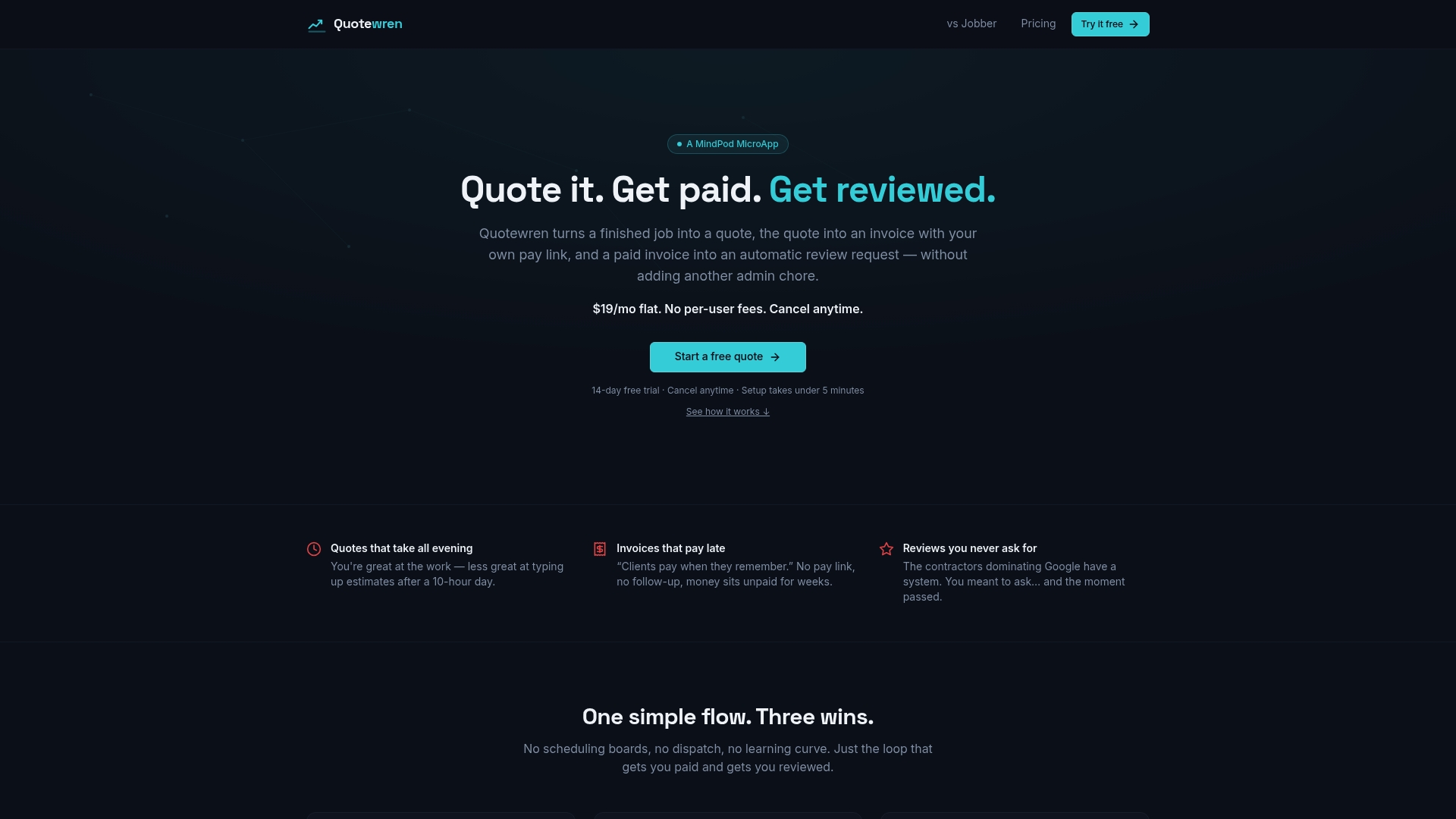
That is why Quotewren is designed around that exact flow: you finish a job, send a branded quote or invoice, and a three-touch review request goes out by text. We kept it simple on purpose. It's meant for one-person shops, not fleets, so you don't pay for features you'll never open.
Your Google profile is the front door. Your reviews are the sign over it.
jaras
Put your quotes, invoices and reviews on one track
A hidden address means customers meet you through your phone, your profile and your paperwork. If your quote shows up late, or your invoice has no easy way to pay, a good profile can't save the sale.
Quotewren turns a finished job into a quote, then an invoice with a pay link, then an automatic review request by text. There is a Free plan to try it, a Quotewren plan at $19 per month and a Quotewren Crew plan at $39 per month. You can see what each includes on the pricing page.
If you want to tidy up your quotes first, our free quote templates for trades are a good place to start, including an electrical quote template.
Common mistakes with service area addresses
- Using a P.O. box or mail drop. Google doesn't accept them as a business location.
- Renting a virtual office to look bigger. If you don't operate from it, it isn't allowed.
- Showing a home address by mistake. Check your profile in a private browser window to see what customers see.
- Listing 20 cities you don't serve. Fewer, honest areas are better.
- Setting a radius. Google doesn't offer one. Pick cities or ZIP codes.
- Making many profiles for many towns. Google's guidance is one profile for your base, not one per city. Fake branch listings can lead to suspension.
- Ignoring reviews. Silence looks like neglect. Reply to every one, good or bad.
A simple setup plan for this week
You can do all of this in an afternoon.
- Confirm your base. Decide the real address you work from.
- Hide it. Edit your profile and turn off the public address display.
- Set up to 20 areas. Use your last 30 jobs as a guide.
- Check your categories and photos. Add ten recent photos.
- Match your details. Name, phone and website the same everywhere.
- Plan the review ask. Decide who asks and when, ideally the same day as the job.
For more ideas on bringing in nearby customers, see our weekend moves for local leads.
FAQ
Can I hide my address on Google Business Profile?
Yes, if you don't have a storefront that customers visit. Google tells service area businesses to hide their address. You still enter a real address to verify the profile. Customers then see your service area instead of a street.
Is the address on my business profile public?
Generally yes, unless you qualify as a service area business and choose to hide it. The address help page explains how the display works. Your address may still appear in other public records, such as state filings.
How many areas can I list?
You can list up to 20 cities, postal codes or regions, and Google doesn't allow a radius. Keep the total area within about two hours of driving from your base. Choose places you really serve.
Will I still show on Google Maps with a hidden address?
Yes. Your profile can still appear, with your service area shown instead of a street address. Rankings are still tied to your verified address, so use the place you truly work from.
Can I use a P.O. box or a virtual office?
No. Google doesn't accept P.O. boxes, mailboxes or virtual offices that you don't operate from. Use your real working location and hide it if you have no storefront.
Sources
- Guidelines for representing your business on Google
- Manage your business address
- Manage your service areas for service-area and hybrid businesses
- Business eligibility and ownership guidelines
- Should service area businesses show or hide their address for local SEO
- 7 local search ranking factors that may challenge your current thinking
- Are home-based businesses eligible for a Google Business Profile
- If your local rankings are off, your map pin may be the problem
- How to set up, verify and rank a Google Business Profile without an address