
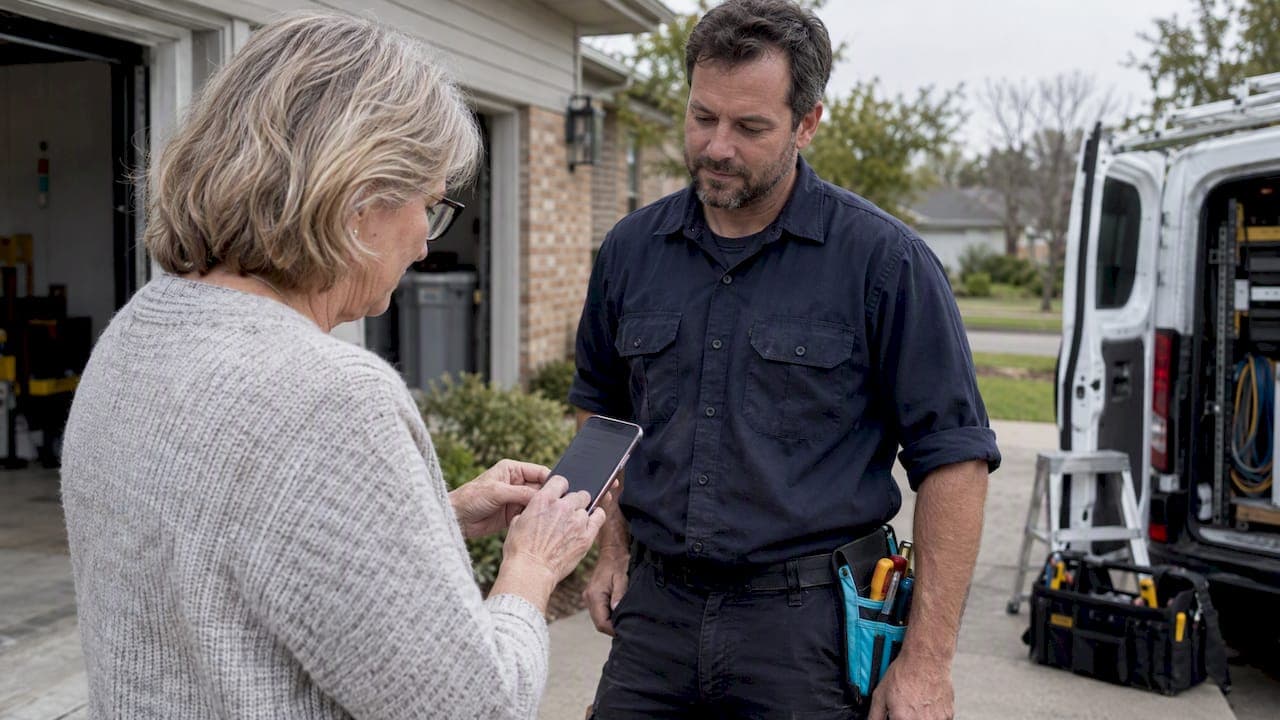
Text to pay is an SMS message that links your customer to a secure, hosted payment page, and it's a smart option for a small business when it's set up right. The PCI Security Standards Council is clear that card numbers should never travel inside a text message. Pair a text to pay setup with a hosted checkout page, honest messaging, and you've got a tool that gets you paid faster without added risk.
TL;DR:
- Most small businesses pay lower risks by using hosted, PCI-compliant payment pages that never transmit full card numbers via SMS.
- Settlement times for SMS payment tools vary from next-day to several days, affecting cash flow management.
- Clear customer opt-in, encrypted connections, and proper tokenization are essential to avoid fraud and PCI violations.
- Starting with low-dollar jobs and simple messaging allows solo tradespeople to test and reliably expand their SMS payment setup.
- Automated tools like Quotewren can streamline quotes, invoices, payments, and reviews, saving time and reducing administrative effort.
Table of Contents
- How text to pay actually works
- Why text to pay pays off for small businesses
- Security, PCI rules, and how to vet a vendor
- A step-by-step setup for solo trades
- Fees, settlement timing, and keeping your books straight
- Scams, trust, and handling disputes
- A solo tradesperson's take on getting started
- Quotewren: quotes, invoices, pay links, and reviews in one place
- Sources
- FAQ
How text to pay actually works
Here's what the customer sees: a short text from your business with a secure link, a simple checkout page, and a receipt once the payment clears. That's it. No app to download, no card number typed into a text box.
Behind the scenes, the link routes to a payment gateway that handles tokenization, meaning the actual card number never touches your phone or your text thread. The gateway processes the charge and settles funds to your account on its own schedule. Vendor pages like NMI's text-to-pay product describe this exact setup: an SMS-triggered hosted checkout that keeps card data off the message itself.
Small businesses generally reach this through one of three paths:
- An SMS gateway paired with a separate payment gateway, often needing some setup work.
- Invoicing software that can send SMS pay links as a built-in feature.
- An all-in-one tool where quoting, invoicing, and the pay link lives in one place.
You'll see this in action in plenty of places. A plumber sends a link right after finishing a water heater repair. A landscaper texts a link for a recurring mowing invoice. Even cities use it: Sausalito, California added text-to-pay parking meters where drivers text a code to a number and get a payment link back.
Why text to pay pays off for small businesses
The biggest draw is speed. People respond to texts faster than they check email, so a pay link by SMS tends to get paid sooner than an emailed invoice sitting in an inbox.
For tradespeople, that speed matters most right after the job. You finish rewiring a panel, send the link before you've packed up your tools, and the customer pays while the job is still fresh in their mind. No chasing a check next week.
It also cuts down on admin. A clear text with the amount and a receipt link means fewer "did you get my payment?" calls.
Where it works best:
- Final payment right after a job is done.
- Deposits collected before work starts.
- Recurring invoices for repeat customers, like a monthly cleaning contract.
- One-off payments for things like municipal fees or parking.
Security, PCI rules, and how to vet a vendor
The rule from the PCI Security Standards Council is simple: never collect card numbers inside an SMS. The text is just a notification. The hosted payment page is where the actual transaction, and the security, happens.
When you're choosing a vendor, run through this list:
- Confirm the checkout page is hosted and PCI compliant, not a form inside the text itself.
- Ask whether card data is tokenized so you never store or see full numbers.
- Check that the connection is encrypted end to end.
- Get a plain answer on how long customer payment data is retained and why.
- Make sure customers opted in to receive texts, since unwanted messages can create compliance headaches under the Telephone Consumer Protection Act.
Pro Tip: If a vendor ever asks you to accept card numbers by text or record keypad entries without tokenization, walk away. That's not how a compliant setup works.
Avoid these outright: storing card numbers in a text thread, collecting keypad entries over an unprotected line, or asking a customer for a PIN or password by text. None of that belongs in a legitimate payment flow.

A step-by-step setup for solo trades
Before you send your first pay link, nail down a few basics: your invoice terms, your deposit policy if you collect one, and the exact wording you'll use in your texts.

When picking a tool, look for hosted payment pages, clear fees with no surprise charges, and a simple interface you can use standing in a customer's driveway.
The on-site flow looks like this:
- Finish the job: say you just fixed a leaking kitchen faucet.
- Send a short branded text: "Hi Maria, your faucet repair is done. Total is $145. Pay here: [link]. Thanks, Dave's Plumbing."
- Confirm the payment landed in your dashboard.
- Send a digital receipt automatically.
- Trigger a review request a day or two later, once the customer has had the work in place.
A few more message examples worth keeping handy:
- Deposit request: "Hi John, to book your HVAC install on the 14th, we need a $200 deposit. Pay here: [link]."
- Recurring invoice: "Hi Sarah, your monthly lawn care invoice for $85 is ready. Pay here: [link]."
This is close to how Quotewren handles the whole sequence for solo tradespeople: a finished job becomes a quote, then an invoice with a built-in pay link, and once payment clears, an automated review request goes out without you having to remember to send it. For a closer look at how SMS quotes and pay links work together, see this piece on sending SMS quotes with pay links.
Fees, settlement timing, and keeping your books straight
Most text to pay services charge a percentage of the transaction plus a small fixed fee, similar to any card processing setup. That fee usually shows up as a separate line on your monthly statement, not baked into the payment itself.
Settlement timing varies by provider, some pay out next business day, others take a couple of days. Check this before you commit to a tool, since cash flow planning depends on it.
A few habits make reconciliation painless:
- Match each payment to its invoice number, not just the dollar amount.
- Export payment records into your bookkeeping software on a regular schedule.
- If you charge a convenience fee, say so clearly in the text and on the checkout page before the customer pays.
Scams, trust, and handling disputes
Scammers love text messages because people trust them more than email. Watch for links with urgent language, odd phrasing, or a sender name that doesn't match your business at all.
Build trust into your own texts by keeping them boring and predictable: same sender name every time, the exact dollar amount, your business name spelled out, and a branded checkout page that looks the same every visit.
If a customer questions a text, tell them to call your business directly using a number they already have, not one in the message. The FTC also recommends forwarding suspicious texts to 7726 (SPAM) so carriers can track the pattern.
Scammy text messages are common enough that the FTC actively tracks and warns consumers about them. That's exactly why consistent, predictable messaging from your business matters.
A quick list of trust signals to keep in every text:
- Clear business name and matching sender ID.
- Exact amount owed, no rounding or vague language.
- A link that goes to your actual branded checkout page.
If you ever collect on a past-due invoice by text, know that FDCPA disclosure rules still apply to collection communications, even when the message is just a text.
A solo tradesperson's take on getting started
Don't overthink this. A plumber can text a $150 pay link the same day a tool gets set up. A painter can test it on one small deposit before rolling it out to every job. Run a handful of low-dollar jobs first, check that receipts and messages look right, then expand once you trust the flow.
— jaras
Quotewren: quotes, invoices, pay links, and reviews in one place
Running a solo trade business means every extra step costs you time you don't have. Quotewren turns a finished job into a quote, then an invoice with a text to pay link built in, and once the customer pays, it automatically sends a review request so you don't have to remember.

- One flat-priced tool instead of juggling separate apps for quotes, invoicing, and follow-ups.
- Automated review requests included on every paid plan, which helps your Google presence without extra effort.
- Plans start at $19 a month or $39 a month, with a free tier to try it first.
If you're tired of chasing payments and forgetting to ask for reviews, check out Quotewren's plans and see which one fits your workload.
Sources
- Protecting Telephone-Based Payment Card Data — PCI SSC
- Have you been getting scammy text messages? — FTC
- Text-to-Pay Mobile Payments — NMI
FAQ
How do I use text to pay as a small business?
You send a customer a short text with a secure payment link after finishing a job or issuing an invoice. The customer taps the link, pays on a hosted checkout page, and gets a receipt automatically.
Is the 77447 text to pay shortcode legit?
Shortcodes like this are commonly used by municipalities and utilities for things like parking payments, as seen in Sausalito's parking meter program. Always verify the shortcode matches the business or agency you expect before paying, and call a known number if anything looks off.
Can I actually pay a business through a text message?
Yes, but you're not paying inside the text itself. The text contains a link to a secure, hosted payment page where you enter your card details, which keeps your card number out of the message thread.
How can I start getting paid by text as a contractor?
Choose a tool with a hosted, PCI-compliant checkout page, like Quotewren, and connect it to your invoicing. Once a job is done, you send the invoice with a built-in pay link by text instead of waiting on a mailed check or emailed bill.