
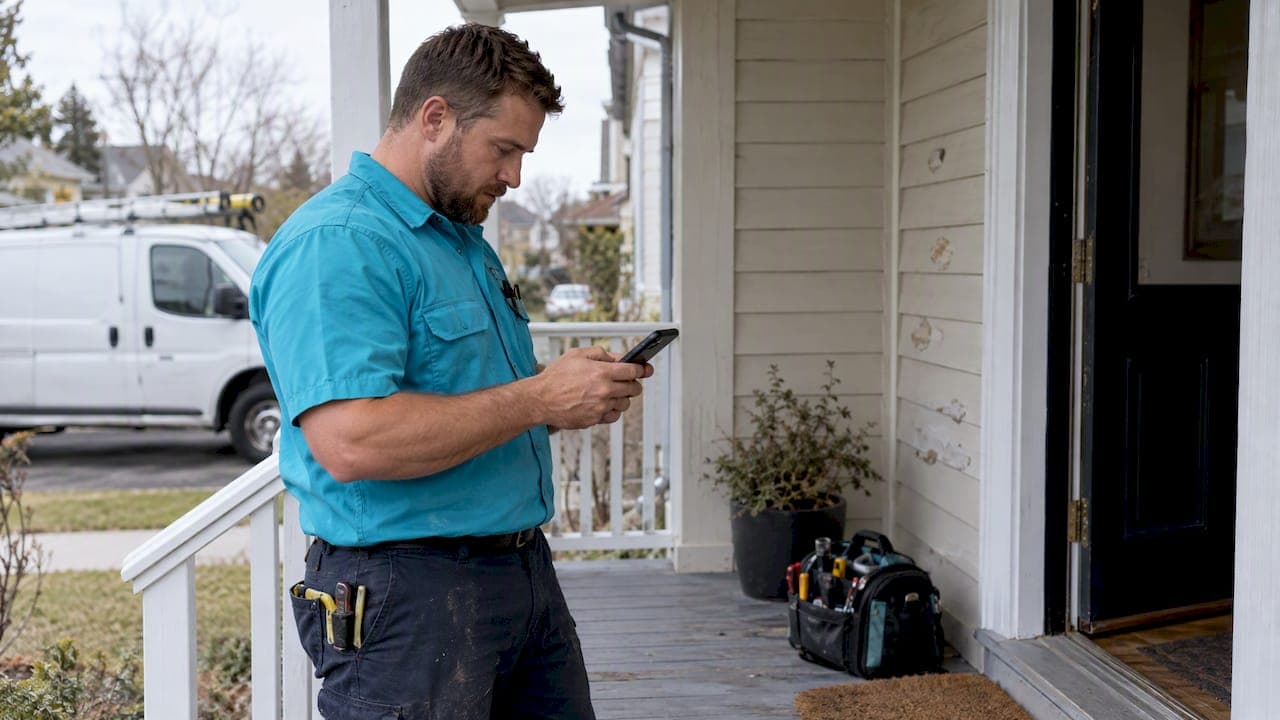
Yes, you can send an invoice by text, and the fastest, most reliable method is a hosted payment link sent over SMS. That beats emailing a PDF or texting a photo of a handwritten bill because it tracks clicks and works on any phone. Before you start, get the client's consent to text them and keep copies of every invoice for tax time.
TL;DR:
- Using a hosted payment link sent via SMS is the most reliable method, as it allows tracking of clicks and payments, unlike PDFs or photos.
- Creating invoices within an app and sending the link directly via text improves payment speed and provides better tracking of client engagement.
- Prior consent is legally required before sending automated invoice texts, and clients must be able to unsubscribe immediately upon request.
- Keeping organized records of invoicing and payments, including exporting PDFs or CSVs regularly, simplifies tax reporting and dispute resolution.
- A simple, short message including client details, amount, due date, and a payment link results in faster payments and easier client comprehension.
Table of Contents
- Two quick ways to send an invoice by text
- What to include in the text: copy-ready templates
- Payment link and file format options
- Legal must-dos: consent, opt-outs, and FCC rules
- Recordkeeping and tax notes for SMS invoices
- Troubleshooting: delivery issues and proof of receipt
- A simple trades workflow using Quotewren
- A tradesperson's take on switching to text invoices
- Try Quotewren for invoices and SMS pay links
- FAQ
- Sources
Two quick ways to send an invoice by text
You've got two solid options here: use your phone's basic tools, or use an invoicing app built for this. Both work. One just takes more manual steps.
Phone-only method:
- Write up the invoice as a PDF or take a clear photo of a paper invoice.
- Open your messages app and start a text to the client.
- Attach the PDF or photo, or paste a payment link if you use a separate tool like Venmo or Zelle for business.
- Double-check the amount, job description, and phone number before hitting send.
- Save a copy of the sent message and attachment for your records.
Invoicing app method:
- Create the invoice inside your app and turn on online payments.
- Look for a "Send via text" button, or copy the hosted invoice link from the preview screen.
- Paste the link into a text message with a short note about the job and amount.
- Send, then check the app later to see if the client opened the link or paid.
The app method wins for tracking. A photo or PDF sent through regular texting gives you no way to know if the client opened it. A hosted link does, which matters when you're chasing a late payment. Stick to standard SMS or RCS for invoices rather than third-party chat apps. Not every client has WhatsApp installed, but almost every phone can receive a text.
What to include in the text: copy-ready templates

A good invoice text is short and specific. Include the client's name, a quick job description, the amount owed, the due date, your invoice number, a payment link, and your business name or number so they know who's texting. If this is an automated reminder, add a line that tells them how to opt out.
Here are templates you can copy and adjust:
- First invoice: "Hi Mike, this is [Your Name] from [Business Name]. Invoice #1042 for the water heater install is $340, due March 15. Pay here: [link]. Reply STOP to opt out of texts."
- Payment reminder (3 days before due): "Reminder: Invoice #1042 ($340) is due March 15. Pay anytime here: [link]."
- Late notice: "Hi Mike, Invoice #1042 ($340) was due March 15 and is now past due. Pay here: [link], or call us with questions."
- Electrician example: "Invoice #2210 for panel upgrade: $1,150, due in 14 days. Pay here: [link]."
- Landscaper example: "Thanks for the mulch job! Invoice #318 is $275, due on receipt. Pay here: [link]."
Send the first reminder a few days before the due date, then a follow-up a few days after if it's still unpaid.
Payment link and file format options
How you send the invoice changes whether you get paid fast or chase it for weeks. Here's how the main options stack up:
- Hosted payment link: Works on any phone, loads fast, and lets you track clicks and payment status. This is the format we recommend for most jobs.
- PDF or photo attachment: Sometimes fails to open on older phones, and you get zero data on whether the client even looked at it.
- MMS or RCS with rich previews: Can show a preview card with the amount and a "Pay Now" button, but support varies by phone and carrier.
SMS was never built for reliable read or delivery receipts, so a "delivered" checkmark doesn't prove the client saw or opened your invoice. A hosted link solves this because you can see the click and the payment confirmation instead of guessing. Read more about setting up a payment link that works across devices.
Legal must-dos: consent, opt-outs, and FCC rules
Before you start texting invoices to clients, know the rules. Under the TCPA, you need prior express consent before sending automated texts, and the FCC places the burden of proving that consent on the business, not the customer. Recent FCC action also expanded Do-Not-Call protections to cover text messages, so treat a client's number with the same care you'd give a phone number on a call list.
A second FCC order clarified one-to-one consent requirements for certain automated texts and set rules for how businesses handle opt-outs. Here's what that means for your invoicing texts:
- Collect consent when you first text a client, such as asking "OK to text invoices and reminders to this number?"
- Save that consent somewhere, even a simple note in your invoicing app or a dated text reply.
- Include opt-out language like "Reply STOP to unsubscribe" on recurring messages.
- If a client replies STOP, honor it right away and send only one short, non-promotional confirmation text, nothing else after that.
A quick compliance read like this TCPA checklist can help you spot gaps before they become a problem.
Recordkeeping and tax notes for SMS invoices
Texting an invoice doesn't change your tax recordkeeping duties. The IRS expects invoices to be kept as supporting documents, organized by year and income type, so they back up what you report on your return.
Build a simple habit around this:
- Export invoice PDFs or CSVs from your invoicing app every month, not just at tax time.
- Store a backup copy somewhere outside the app, like a cloud folder or external drive.
- Match each invoice number to the payment that shows up in your bank or merchant account.
This takes ten minutes a month and saves you a headache if a client disputes a payment or you ever get audited.
Troubleshooting: delivery issues and proof of receipt
Don't lean on a "delivered" or "read" marker as proof the client got your invoice. SMS wasn't designed for reliable read receipts, and most invoicing platforms track send logs and link clicks instead, which hold up better if there's ever a dispute.
If a client says they never got the text, try these steps in order: resend the link, follow up by email, then call to confirm the number is correct. Log each attempt with a date and time. If they reply STOP, stop immediately and send only the one allowed, non-promotional confirmation, no job reminders or marketing folded in.

Pro Tip: Ask clients to text back a quick "got it" after you send an invoice. It's a low-effort way to confirm delivery without relying on your phone's read receipts.
A simple trades workflow using Quotewren
Here's how this looks in practice for a solo plumber or electrician using Quotewren. After finishing a job, we turn the approved quote into an invoice with a couple of taps, then send it by text with a hosted payment link built in. The client pays from their phone, and the payment status updates automatically so there's no guessing.
Once the invoice is marked paid, a review request can be sent by text, timed so it lands while the job is still fresh in the client's mind. That one extra step helps build up Google reviews over time, which matters more for solo operators competing against bigger crews with marketing budgets. The whole cycle, quote to invoice to paid to reviewed, runs with almost no manual follow-up.
A tradesperson's take on switching to text invoices
A lot of contractors we talk to say the same thing: once they started texting invoices with a payment link instead of mailing or emailing, clients paid the same day instead of a week later. Keeping the message short and the link easy to tap made the biggest difference.
— jaras
Try Quotewren for invoices and SMS pay links
If you're ready to stop chasing payments by hand, Quotewren turns a finished job into a quote, then an invoice, then an SMS with a payment link, without needing separate tools for each step. Once a client pays, an automated review request goes out on its own, helping you build visibility on Google without extra admin.

We offer a free plan to start, plus paid tiers at $19 a month and $39 a month for crews that need more. Try the free plan at Quotewren and send your next invoice by text today.
This article is general information, not a substitute for advice from a qualified financial advisor. Consult a qualified financial professional about your own circumstances before acting on anything here.
FAQ
What is a good message to send when sending an invoice?
Keep it short: your business name, the job description, the amount, the due date, and a payment link.
Can I send an invoice from my phone?
Yes, you can text a PDF or photo of an invoice directly from your phone's messaging app, or use an invoicing app that generates a hosted payment link you can paste into a text. The app method gives you better tracking since you can see if the client opened or paid it.
What is the easiest way to send an invoice?
The easiest method is an invoicing app that creates the invoice, turns on online payments, and lets you send a payment link by text in a couple of taps. This skips the extra steps of printing, scanning, or manually typing payment details into a message.
How do you send someone an invoice?
Create the invoice with the job details, amount, and due date, then share it by email, text, or a hosted payment link. For text delivery, a short message with a payment link tends to get opened and paid faster than an attached PDF.
Do I need consent before texting an invoice to a client?
Yes, under the TCPA you need prior express consent before sending automated texts to a client's phone. A simple way to get this is asking the client directly when you first text them, and saving their reply as your record of consent.
Sources
- FCC order (FCC-23-107A1.txt)
- IRS Publication 583 (Small Business Recordkeeping)
- Reincubate — how SMS delivery and receipts work