

An invoice line item is one row on your bill: a single product, service, fee, tax, or discount, with its own quantity, price, and total. Get this right and clients pay faster because they know exactly what they owe. Stripe's invoicing guidance backs this up, and IRS recordkeeping rules make itemized bills matter at tax time too. Quotewren builds these fields into every quote and invoice automatically, so you're not rebuilding a template every job.
Here's why line items matter so much:
- Clients see exactly what they're paying for, which cuts down on "wait, what's this charge?" calls
- Your bookkeeping gets easier because every dollar has a category
- Clean records protect you if the IRS ever asks questions
Key Takeaways
Clear invoice line items with consistent descriptions, separate tax lines, and accurate totals get you paid faster and keep your books audit-ready.
| Point | Details |
|---|---|
| Define each line item | One row equals one product, service, fee, tax, or discount, with its own total. |
| Include the core fields | Description, quantity or hours, unit price, tax, and line total belong on every row. |
| Separate tax and discounts | Keep tax and discounts on their own lines instead of folding them into the price. |
| Avoid vague descriptions | Add dates, units, and specifics so clients approve charges without calling you back. |
| Keep records for tax time | Follow IRS retention guidance and use itemized invoices as audit-ready documentation. |
| Use a tool that builds it in | Quotewren generates itemized invoices with pay links automatically from finished jobs. |
Table of Contents
- What Fields Belong in an Invoice Line Item?
- What Do Line-Item Examples Look Like on a Real Invoice?
- How Do You Build Accurate Line Items Every Time?
- What Mistakes Slow Down Payment or Confuse Your Books?
- What Do Accountants and the IRS Expect From Your Invoices?
- How Would a Tradesperson Build a Real Job Invoice?
- Sources
- FAQ
What Fields Belong in an Invoice Line Item?
Every solid line item needs a handful of core fields, whether you're writing it by hand or pulling it from an app. Modern Treasury's line item documentation lists the same basics that show up in most invoicing software: a description, a quantity, a unit price, and a line total. Tax and discount fields ride along separately, and some tools add a GL code or metadata field so the line ties back to your books.
A few formatting habits save headaches later. Always show a service period ("March 3 to March 7") instead of just a date. Use clear units (hours, square feet, each) instead of vague quantities. If you ever bill in more than one currency, note the currency code. And keep pricing to two decimal places. No one wants to explain a $47.336 line item.
| Field | Purpose | Example |
|---|---|---|
| Description | Names the work or item | "Replace kitchen faucet" |
| Quantity/hours | How much was done | 3 hours |
| Unit price/rate | Cost per unit | $75.00/hour |
| Line total | Quantity times rate | $570.00 |
| Tax | Applied separately, not baked in | $15.59 (8.25%) |
| GL code/metadata | Links to your accounting category | "Labor" |
What Do Line-Item Examples Look Like on a Real Invoice?
Seeing real rows beats reading a field list. Here are five you can copy straight into your next invoice, adjusting the numbers for your job.
- Product: Kohler kitchen faucet, qty 1, $189.00, total $189.00
- Hourly service: Plumbing repair, March 3 to March 5, 6 hours @ $95.00/hour, total $570.00
- Fee: Emergency after-hours surcharge, qty 1, $75.00, total $75.00
- Tax: Sales tax (8.25%), calculated on materials only, total $15.59
- Discount: Repeat customer credit, qty 1, negative $50.00
Write descriptions the way a client would explain the job to a neighbor, not the way you'd write it in a text to your supplier. "Replaced garbage disposal, kitchen sink" beats "disposal x1" every time, and it's the detail that stops a confused client from calling you back three days later.
How Do You Build Accurate Line Items Every Time?
Whether you're working from a blank template or a spreadsheet, the process stays the same:
- Write a clear description of the job or product.
- Add the quantity or hours worked.
- Set the unit price or hourly rate.
- Add any tax or discount as its own line.
- Calculate the line total (quantity times rate).
- Add up all lines for the subtotal, then apply tax to get the final total.
- Include your payment terms clearly, right below the totals.
If you're building your own spreadsheet, set up columns for Description, Quantity, Unit Price, and Line Total, then use a simple formula like =B2*C2 to calculate each row automatically. That way you never have to do math by hand under a truck in a parking lot.
If you're using an invoicing app, keep a short checklist in mind: use the same job names every time (not "kitchen job" one month and "faucet fix" the next), attach a photo of finished work when it helps, note the service period on every labor line, and tag each line with a category for your books.

Pro Tip: Skip "Net 30" for residential clients and just write the actual due date, like "Due April 15." A calendar date gets paid faster than a payment term most homeowners have to think about.
What Mistakes Slow Down Payment or Confuse Your Books?
A few small errors cause most of the payment delays and bookkeeping headaches solo operators run into.
- Vague descriptions. "Repair work" tells the client nothing. Fix it: "Replaced 20 ft of copper pipe under kitchen sink, March 3."
- Bundling everything into one line. Mixing materials, labor, and fees into a single $650 charge invites questions. Fix it: split into separate lines for materials, labor, and any surcharge.
- Wrong tax treatment. Charging tax on labor when only materials are taxable (or the reverse) creates real problems. Fix it: show tax as its own line and confirm what's taxable in your state.
- Rounding and currency slip-ups. A total that's off by a few cents looks sloppy even when it's an honest mistake. Fix it: use two decimal places and label your currency if you ever bill outside the US.
Clear, specific descriptions and consistent naming speed up how fast a client recognizes and approves a charge, which directly affects how fast you get paid.
What Do Accountants and the IRS Expect From Your Invoices?
Your invoices aren't just for your clients. They're part of your books, and eventually they might be part of a tax return the IRS decides to look at closer.
Mapping each line item to a general ledger category (labor, materials, fees, tax) makes reconciliation at tax time far less painful, especially if you hand your books to an accountant once a year. Showing tax as its own line, rather than folding it into a product price, makes taxable versus non-taxable amounts obvious at a glance. PayPal's invoicing guidance recommends this same separation for exactly that reason.
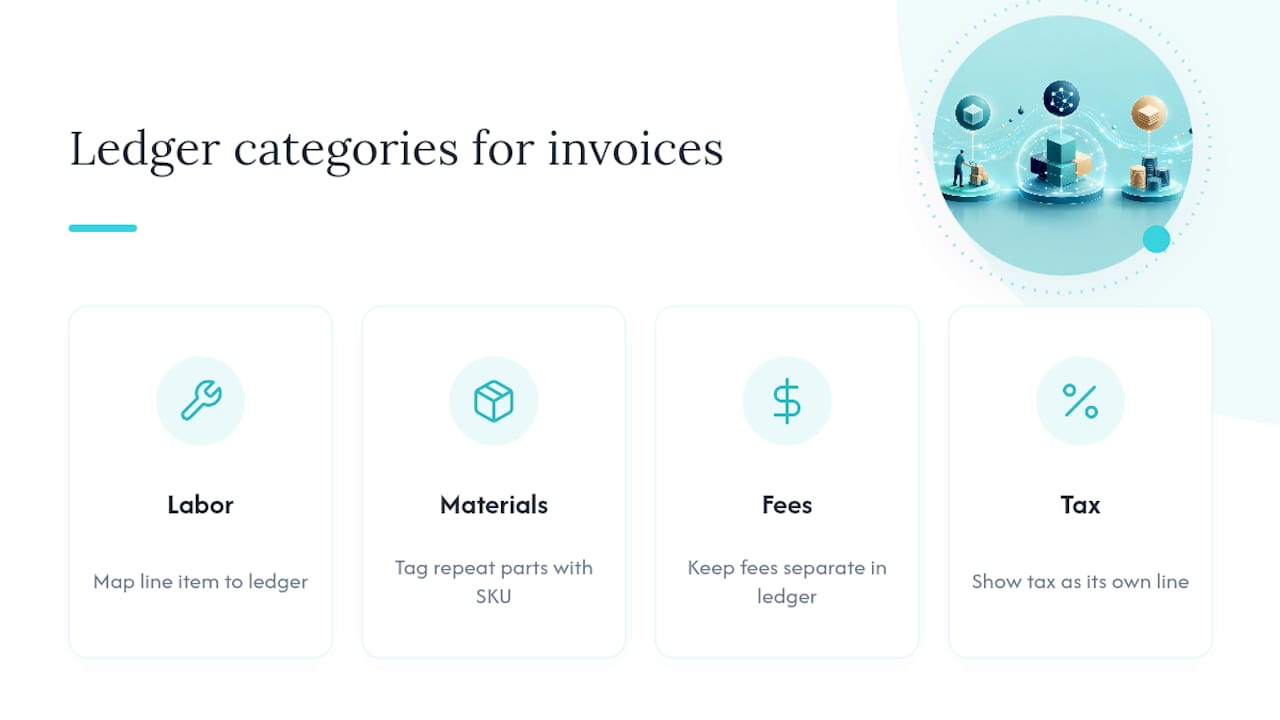
On retention, IRS guidance explains how long small businesses should keep records, and itemized invoices are some of the strongest documentation you can hand over if you're ever audited. If you sell products with SKUs or repeat parts, tagging line items with that SKU or a metadata field, a practice built into many invoicing APIs, makes year-end bookkeeping much faster.
How Would a Tradesperson Build a Real Job Invoice?
Picture a bathroom remodel: $300 deposit collected up front, four days of labor, and a stack of materials.
- Deposit: "Deposit received March 1" as its own line, shown as a credit against the total, not folded into labor
- Labor: "Bathroom remodel labor, March 3 to March 6," 32 hours @ $75.00/hour
- Materials: Tile, grout, and fixtures listed separately, each with quantity and unit price
- Final balance: Subtotal, tax, minus the deposit already paid, equals balance due
Use the same job and client naming every time you invoice a repeat customer. It makes your own records searchable six months from now, and it makes the client's inbox easier to scan too.
A note for busy solo operators
If you take one thing from this: write clear descriptions, keep your naming consistent, and always show dates. Do show service periods. Do separate tax. Don't bundle charges. Don't skip due dates.
— jaras
Get Consistent Line Items Without Rebuilding Every Invoice
Every example in this guide (clear descriptions, separate tax lines, consistent naming) takes real time to set up by hand on every job. Quotewren turns a finished job straight into a properly itemized invoice, with your line items, pay link, and totals built in automatically, so you're not retyping the same template at 9 PM after a ten-hour day. It also sends a review request by text once the invoice is paid, which most solo tradespeople never get around to doing on their own. If you're tired of chasing payments and forgetting to ask for reviews, try Quotewren and send your next invoice in minutes instead of half an hour.
Sources
- Detailed invoice examples: Here’s what to include | Stripe
- How long should I keep records? | IRS
- Invoice Line Items | Modern Treasury
- What to Include in an Invoice | PayPal US
FAQ
What does "line item" mean on an invoice?
A line item is a single row on an invoice representing one product, service, fee, tax, or discount, with its own quantity, price, and total.
What is an example of a line item?
"HVAC diagnostic and repair, 2 hours at $110.00 per hour, total $220.00" is a typical line item on a service invoice.
What are line items called in accounting?
Accountants often call them billing lines or itemized charges, and they usually get mapped to a general ledger category like labor, materials, or fees for bookkeeping.
What are the items on an invoice called collectively?
The full set of rows is usually called the itemized list or line-item breakdown, sitting between the header information and the subtotal.
Do I need separate lines for tax and discounts?
Yes. Showing tax and discounts as their own lines, rather than folding them into a product price, makes your invoice easier for clients to verify and easier for you to reconcile at tax time.