
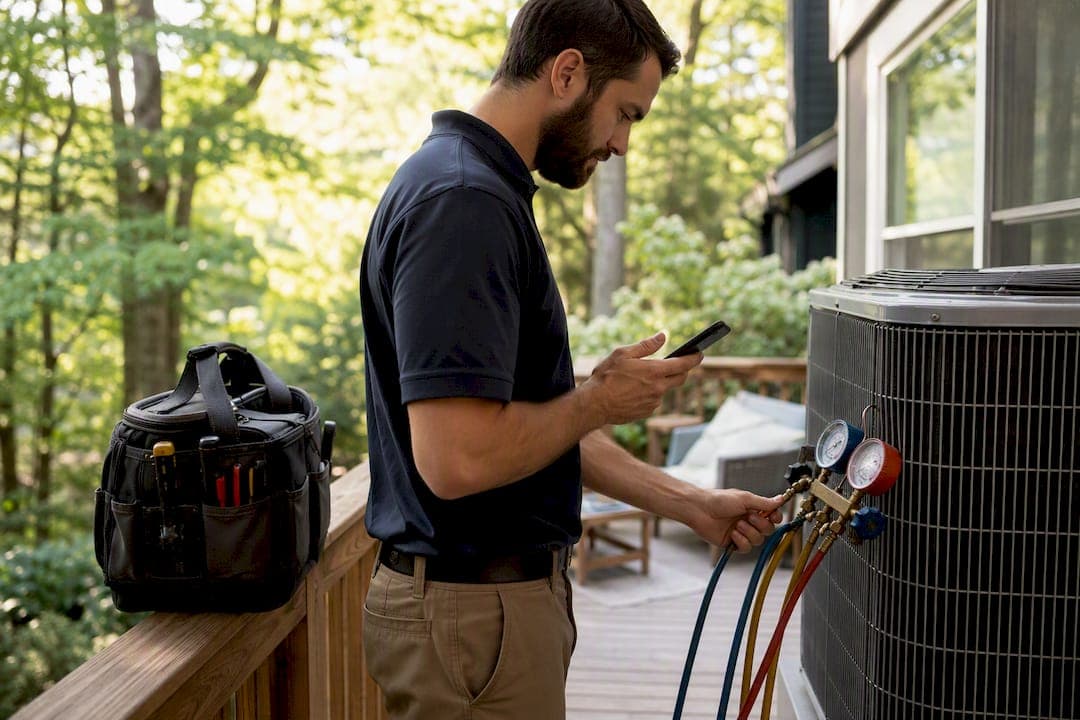
Fix HVAC invoicing by sending a complete invoice with a working pay link the same day the job's done. Use a trades-focused invoicing tool like Quotewren instead of chasing a paper trail. Here's your quick truck-side checklist:
- Capture it on-site. Get job details, parts used, and refrigerant info (type and pounds) before you pack up the van.
- Convert and send before you leave. Turn the estimate into an invoice and text or email a pay link right from the driveway.
- Automate the follow-up. Let reminders go out on their own so you're not the one making awkward calls.
Next step: build one branded invoice template today, or start a free trial and send your first real invoice from the job site this week.
Key Takeaways
Getting paid faster on HVAC jobs comes down to sending a complete, itemized invoice with a working pay link the same day the job wraps up.
| Point | Details |
|---|---|
| Same-day invoicing wins | Send the invoice before leaving the property to avoid the "I'll deal with it later" delay. |
| Refrigerant fields are non-negotiable | Log gas type and exact pounds on every invoice involving refrigerant handling for EPA compliance. |
| Itemize everything | Split diagnostic fees, parts, labor, and surcharges into separate lines to prevent disputes. |
| Automate the chase | Set Day 7, 14, and 30 reminders so late payments get caught without a phone call from you. |
| Quotewren fits solo operators | Converts finished jobs into invoices with pay links and automated SMS review requests, without extra features you won't use. |
Table of Contents
- What to Look for in HVAC Invoicing Software
- What Should an HVAC Invoice Include?
- How Can You Get Paid Faster for HVAC Work?
- How Does HVAC Invoicing Software Fit Into Your Workflow?
- How Much Does HVAC Invoicing Software Cost?
- Your Week-One Plan for Better Invoicing
- Get Paid Faster With Quotewren
- Sources
- FAQ
What to Look for in HVAC Invoicing Software
Not every invoicing app fits a trade where you're standing in an attic half the day. HVAC invoicing software needs to work from your phone, not just a desktop you'll never open on the job.
Look for these features before you commit to anything:
- Mobile invoice creation and one-tap estimate-to-invoice conversion.
- Integrated pay links or card reader support, with PCI-compliant payment processing so customer card data stays protected.
- Templates with fields for your contractor license, EPA certification number, and refrigerant tracking, plus itemized parts and labor lines.
- Automated payment reminders and recurring billing for maintenance plans.
- Simple accounting exports (CSV or QuickBooks) so you're not retyping numbers at tax time.
- Deposit and partial-payment handling, a customer-facing pay link, and basic reports so you can actually see if the tool is paying for itself.
Pro Tip: Before you buy anything, test how long it takes to create one invoice on your phone using two thumbs and no keyboard. If it takes more than a minute, your techs won't use it in the field.
What Should an HVAC Invoice Include?
A solid HVAC invoice example covers a lot more ground than "$450, thanks." Missing details are the number one reason invoices get questioned or ignored, so build a template once and reuse it every time.
Your header needs your business name, phone number, contractor license number, and your EPA certification number if you touch refrigerant. Add a tax ID if you're billing commercial accounts.
Invoice metadata comes next: a unique invoice number, the invoice date, the service date, the due date, and a PO or work order number for commercial jobs. Then the work itself, broken into clear categories:
- Diagnostic or trip fee.
- Parts, with manufacturer, model, and serial number for any installed equipment.
- Labor hours and your hourly rate.
- Any surcharges (after-hours, emergency, permit fees).
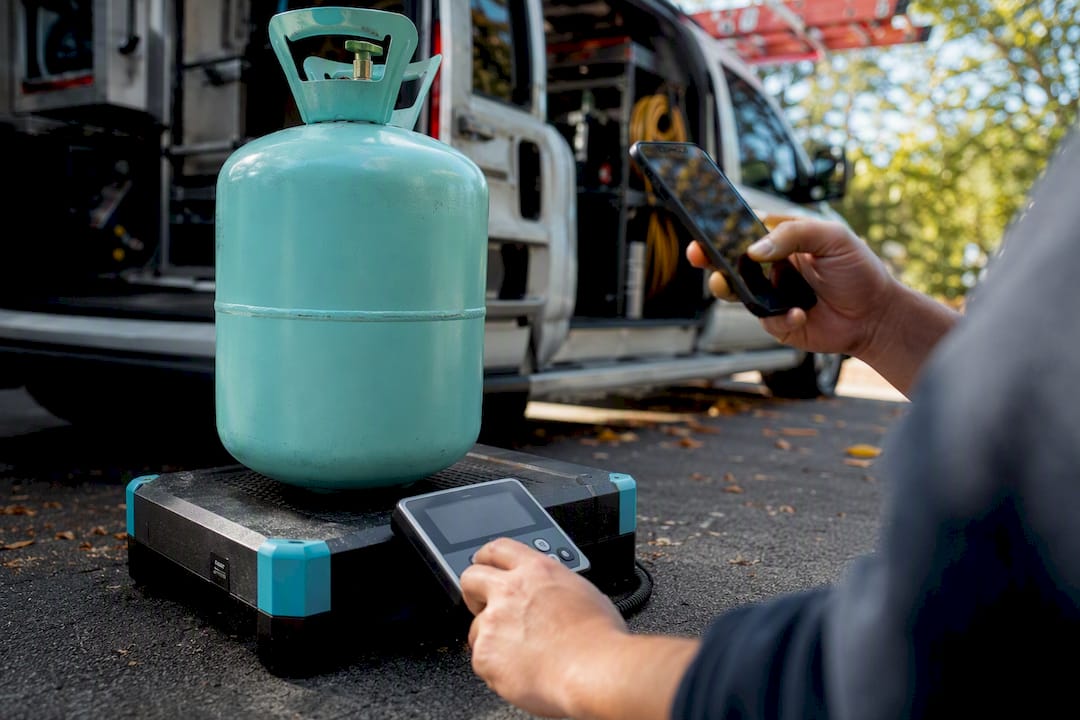
If you handled refrigerant, add a dedicated block for gas type, pounds recovered or added, and unit cost. The EPA's Section 608 rules require certified handling and documentation, and putting that detail right on the invoice, not buried in a separate form, keeps you covered and keeps the customer's paperwork clean too.
Here's a sample line-item layout, based on how a typical HVAC invoice breaks down a common repair call:
Payment terms belong at the bottom: due on completion for residential work, Net 14 or Net 30 for commercial accounts, a stated late fee, and every payment method you accept. Compliance reminder: any invoice involving refrigerant handling should log the gas type and exact weight every single time, because pricing and EPA reporting both depend on getting that number right, according to guidance on HVAC invoice best practices.
How Can You Get Paid Faster for HVAC Work?
Getting paid fast isn't about being pushy. It's about removing every excuse a customer has to wait.
- Send the invoice the same day, before you leave the driveway. A finished job with no invoice attached is an open invitation to forget.
- Offer payment on the spot. A card reader or a pay link in the emailed invoice turns "I'll mail a check" into "done."
- Set clear terms by customer type. Due on completion for homeowners, Net 30 for property managers and commercial accounts, with a stated late fee both sides agree to upfront.
- Automate your reminders. A Day 7 friendly nudge, a Day 14 phone call, and a Day 30 formal notice catch almost every late payer before it becomes a real collections problem.
- Keep every invoice unambiguous. Itemize parts and labor separately, credit the diagnostic fee toward the repair if that's your policy, and attach a before-and-after photo when it helps the customer see the value.
Same-day invoicing paired with an integrated pay link and that follow-up cadence is one of the fastest ways to cut collection time, according to HVAC invoicing guidance built around exactly this Day 0/7/14/30 rhythm.
How Does HVAC Invoicing Software Fit Into Your Workflow?
The job doesn't end when the wrench goes back in the truck. It flows: job created in the field, estimate approved, estimate converted to invoice, invoice sent with a pay link, payment posts, and the numbers land in your books.
Because HVAC technicians spend most of their day in the field rather than at a desk, that whole chain needs to happen from a phone. The right integrations keep it moving without extra typing:
- A PCI-compliant payment processor built into the invoice.
- QuickBooks or a CSV export for month-end bookkeeping.
- Calendar or dispatch sync so job details carry over automatically.
- A parts catalog so you're not retyping model numbers.
On-site capture matters more than people think. A photo of the old part, the serial number, and the refrigerant weight logged while you're still standing there cuts down disputes later, because the customer isn't asking "are you sure that's what you replaced?" three weeks after the fact.
How Much Does HVAC Invoicing Software Cost?
Pricing usually falls into three shapes: free basic templates, flat monthly SaaS tiers with payments built in, and a small transaction fee on card processing. None of these are exotic. You're mostly paying for speed and fewer missed payments.
A few signs you've outgrown a template:
- You're writing more than 10 to 20 invoices a month by hand.
- You're spending real hours each week creating and chasing invoices instead of working.
- Late payments or missed deposits happen often enough that they hurt cash flow.
A rough ROI check: take the hours you save each month by not manually building invoices, multiply by your hourly rate, then add in what faster collections are worth to your cash flow. If that number beats the monthly software cost, you've already made your decision. Many contractors make the switch once invoice volume noticeably increases, once templates start costing more time than they save, per ContractorRanks' template guidance. When you test a free trial, focus on mobile invoice creation, the pay link, your saved templates, and whether reminders actually fire on schedule.
Your Week-One Plan for Better Invoicing
- Day 1: Build a branded invoice template with your license number and EPA fields already in place. Decide your payment terms for residential versus commercial jobs.
- Day 2: Set up mobile invoicing on your phone or tablet. Run a test transaction to confirm the payment processing is PCI-compliant.
- Day 3: Save two job templates you use constantly, like a standard repair call and a full install, as one-tap shortcuts.
- Day 4: Turn on automated reminders and set your Day 7, Day 14, and Day 30 cadence.
- Day 5: Walk your team (or just yourself) through sending the invoice before leaving the site, and logging refrigerant weight every time it applies.
Pro Tip: Snap a photo of the finished work and get a signed acceptance on your phone before you drive off. It's the single fastest way to shut down a "that's not what we agreed on" dispute weeks later.
What Actually Changed When I Stopped Using Paper Invoices
Switching from a paper pad to mobile invoicing didn't feel like a big deal at the time, but the cash showed up faster within a month. Logging refrigerant weight and splitting out labor line by line killed most of the "wait, what did I pay for?" calls, and taking a card on-site instead of waiting on a mailed check cut my chase time down to almost nothing.
Get Paid Faster With Quotewren
Quotewren turns a finished HVAC job into a branded invoice with a working pay link in a couple of taps, so you're not stuck typing line items from memory back at the shop. Where a lot of trade software piles on scheduling boards and crew management you'll never touch as a solo operator, Quotewren sticks to the three things that actually move cash: quotes, invoices, and getting paid.

It covers the fields that matter for HVAC work specifically: mobile invoice creation, estimate-to-invoice conversion, refrigerant tracking fields, and automated payment reminders so you're not the one making the awkward "hey, did you see my invoice" call. Once the job's paid, it fires off an automated three-touch SMS review request, so the jobs you're already doing well start building your Google reviews without extra effort on your part.
Getting started takes under 10 minutes. During your free trial, create one real invoice, send the pay link, confirm the payment lands, and turn on reminders before your next job. Start your free trial and send your next HVAC invoice the same day you finish the work.
Sources
- Occupational Outlook for HVAC mechanics and installers | BLS
- Section 608 — Protection of Stratospheric Ozone | EPA
- Free HVAC Invoice Template (Word, PDF, Google Docs) | ContractorRanks
FAQ
How Do You Write an HVAC Invoice?
Include your business info, license and EPA numbers, a unique invoice number, itemized parts and labor, refrigerant details if applicable, and clear payment terms. Send it the same day you finish the job.
What Is the Best HVAC Invoicing App?
The best app is mobile-first, includes an integrated pay link, and lets you add refrigerant tracking fields. Quotewren is built specifically for solo tradespeople who want quotes, invoices, and payment collection without extra bloat.
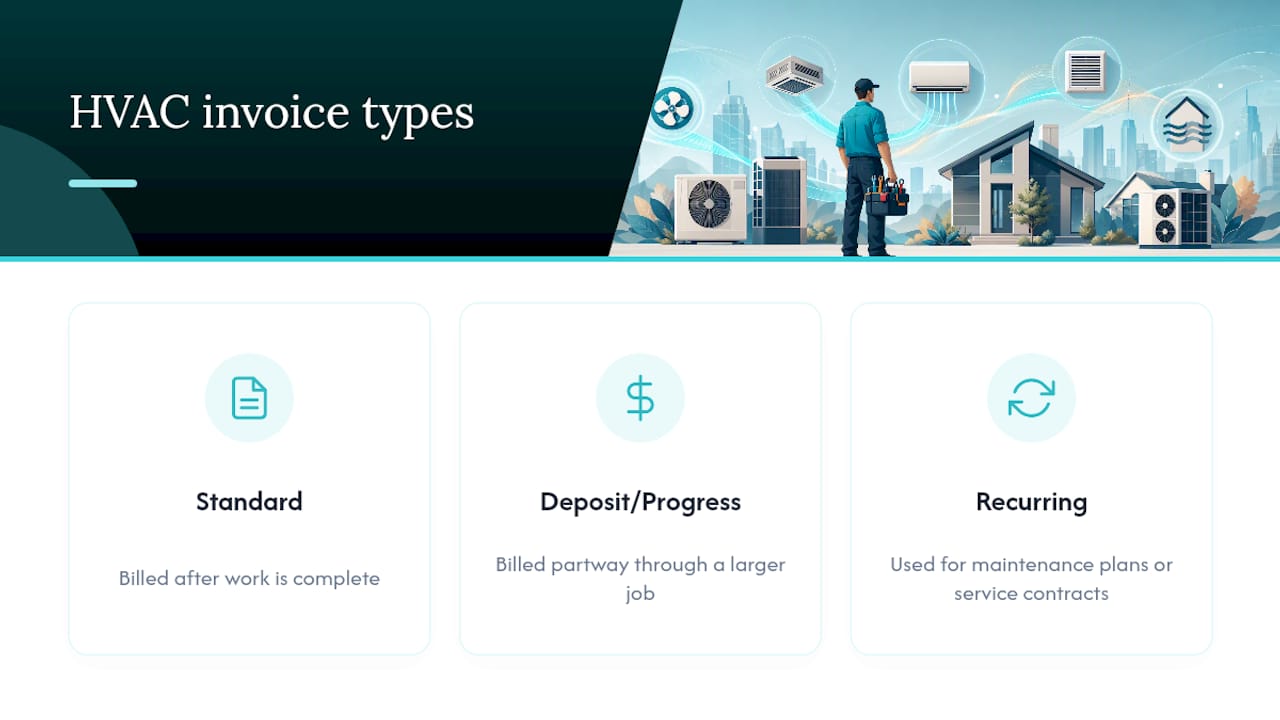
What Are the Three Types of Invoices?
The most common types are standard invoices (billed after work is complete), deposit or progress invoices (billed partway through a larger job), and recurring invoices (used for maintenance plans or service contracts).
How Do You Charge for HVAC Work?
Most HVAC contractors charge a diagnostic or trip fee, then bill labor by the hour plus the cost of parts, with any refrigerant billed separately by the pound since gas prices vary widely by type.
How Fast Should You Follow Up on an Unpaid HVAC Invoice?
A friendly reminder around Day 7, a phone call by Day 14, and a formal notice by Day 30 catches most late payers before the balance becomes a real collections problem.